
New brokers
Launch the core stack without stitching five tools.
Story: license + MT server + Brokerium. Time-to-cabinet, not time-to-enterprise.
DAY-1 CHECKLIST
After servers, brand, account types, and one rail are ready, the cabinet is configuration.
- Set branding: favicon, light and dark logos, login banner, app name, URLs.
- Ship the branded web cabinet and the white-label mobile app.
- Connect MT4 and/or MT5 credentials and server groups.
- Configure account types and leverages.
- Turn on one card rail and one crypto rail.
- Switch KYC on, and signup OTP if you want it.
- Create the first sub-admin seat for cash or compliance.
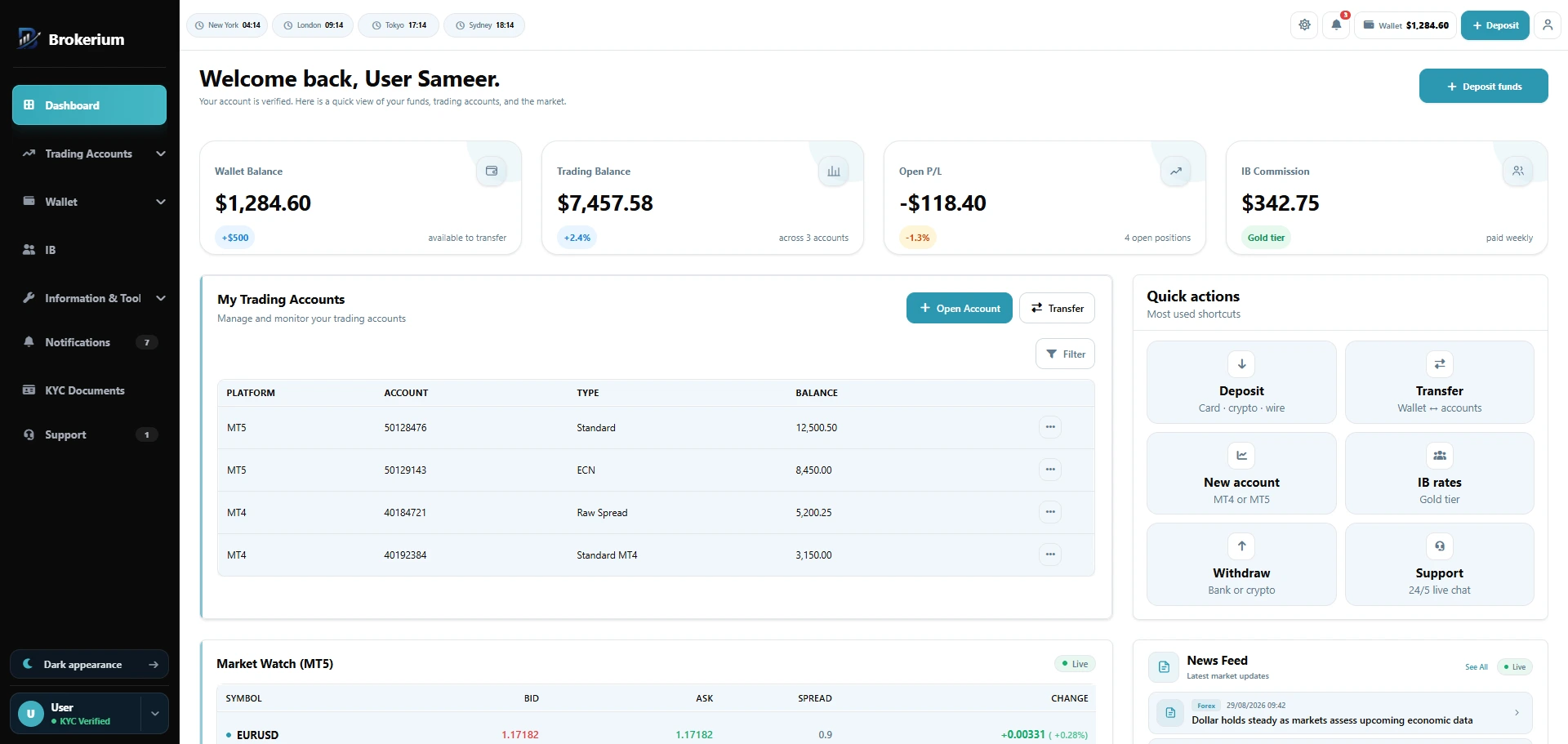
Wallet, accounts, P/L, and market watch in one cabinet.
Web + mobile app
Day one includes the trader app.
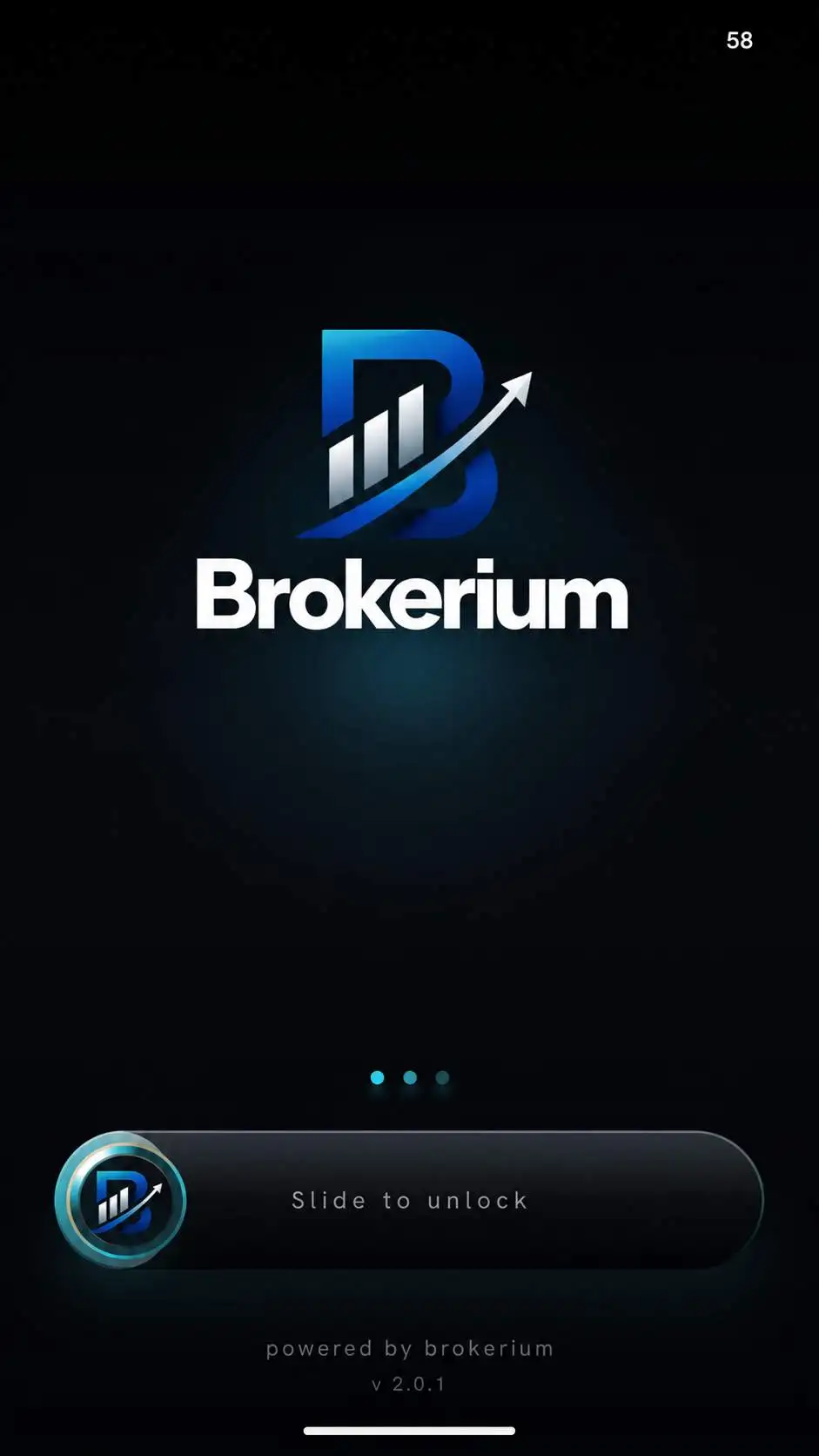
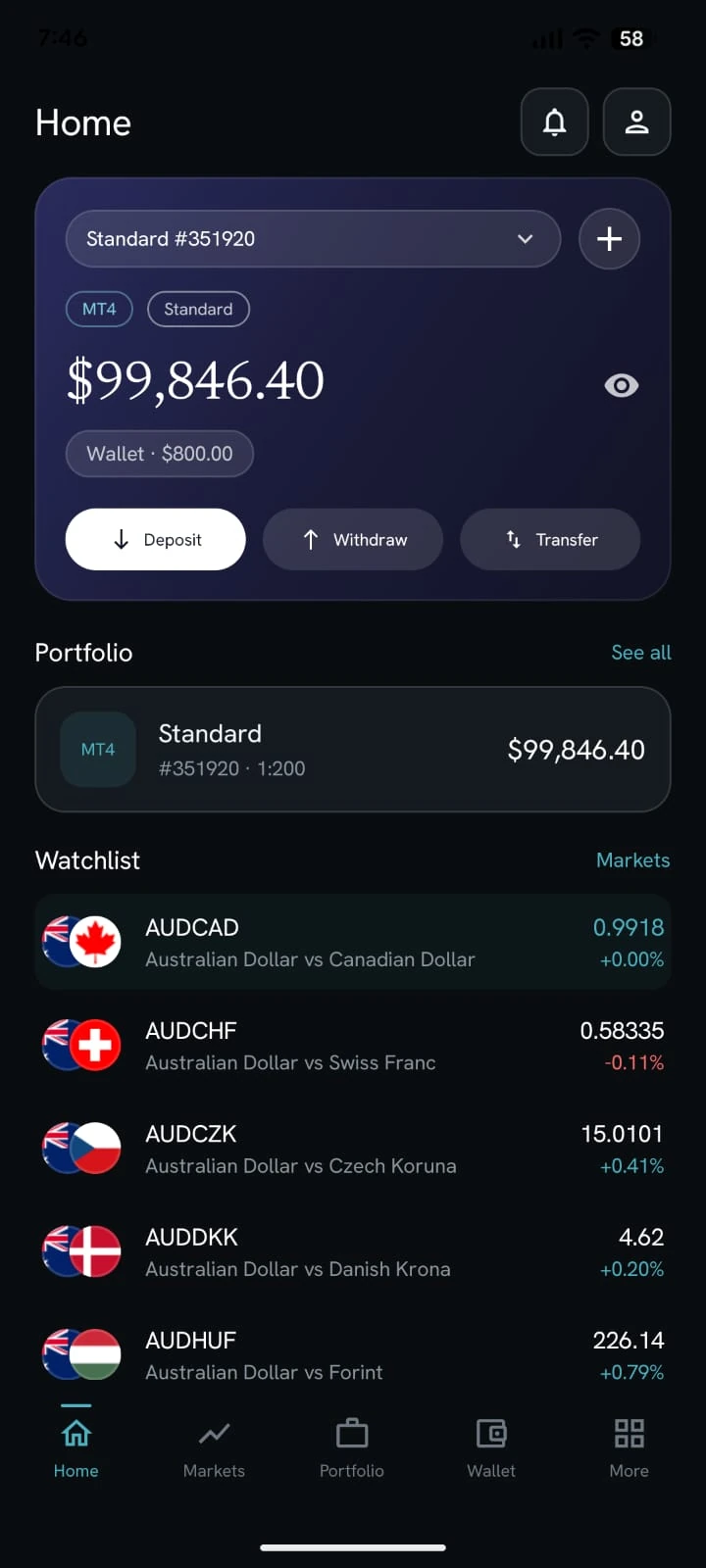
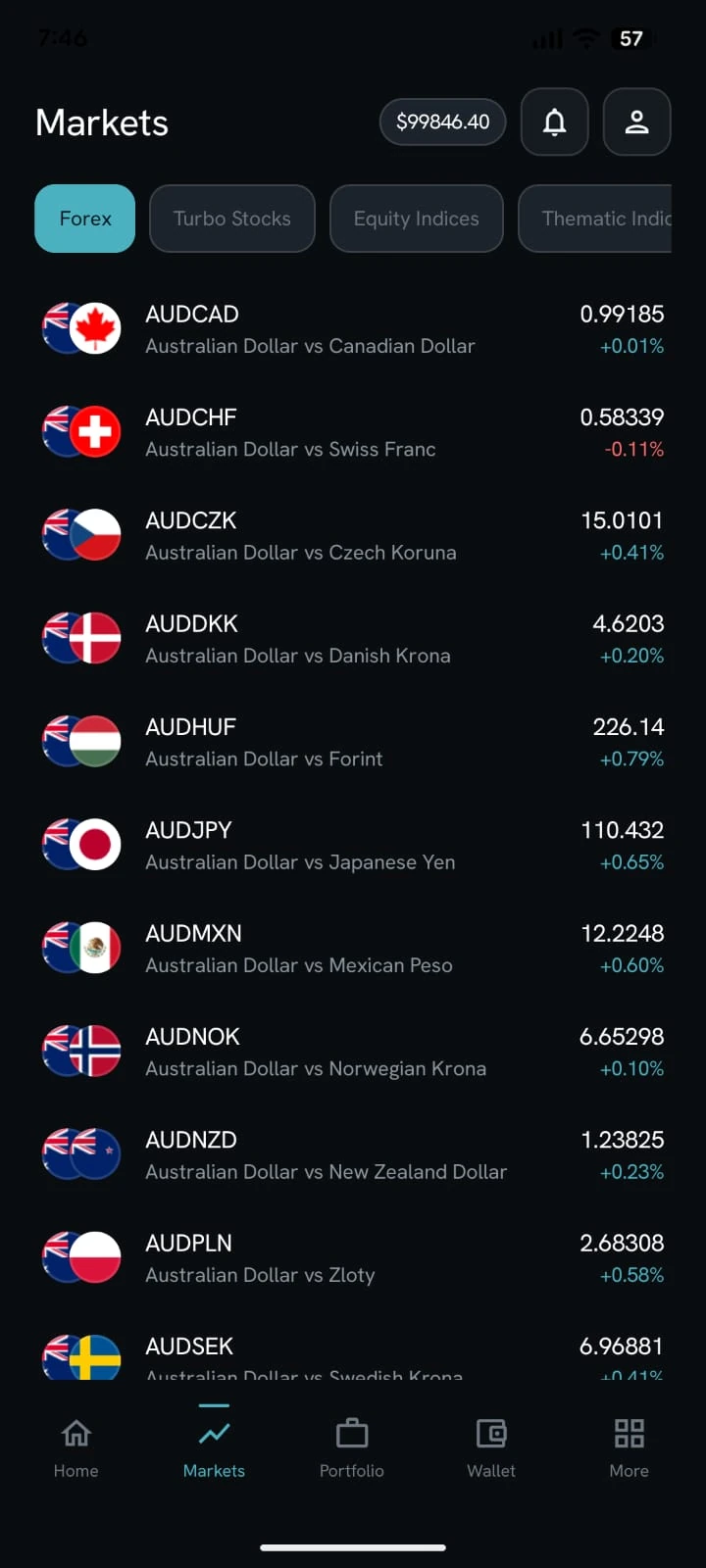
Branding on the splash, biometric sign-in, and the same MT4/MT5 home — not a later phase.
See it on your brokerage
Put the brokerage on one desk.
We’ll map Brokerium onto your MT4/MT5 servers and your brand — not the other way around.