
MetaTrader native
MT4 and MT5 are first-class, not a CSV import.
Platforms can be enabled independently. KYC can be required per platform. Global and per-client account caps exist.
PROBLEM
Generic CRMs do not create a trading account, change leverage, or show open trades without sending staff into MetaTrader Admin.
Live cabinet
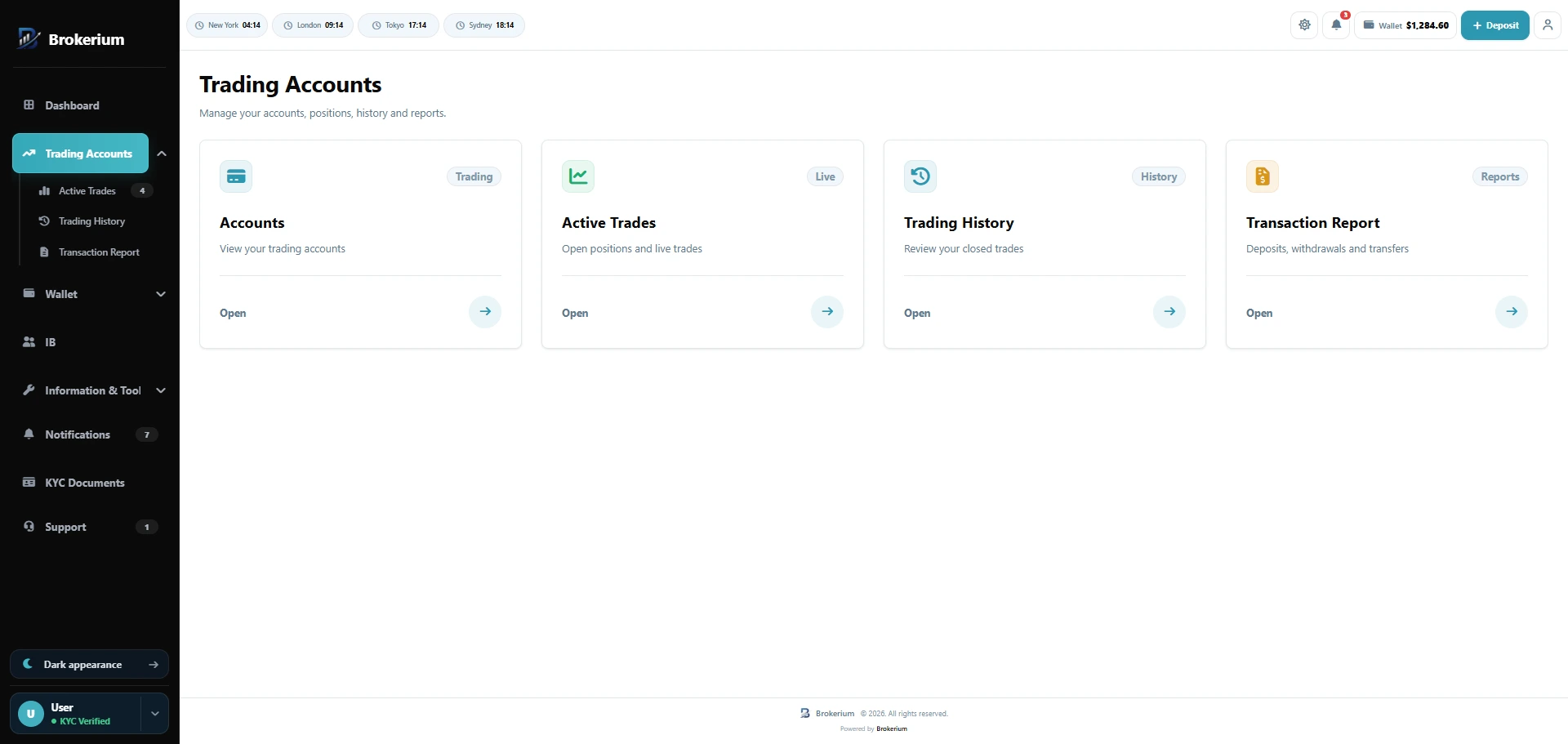
MT4 and MT5 accounts, live trades, history, and reports.
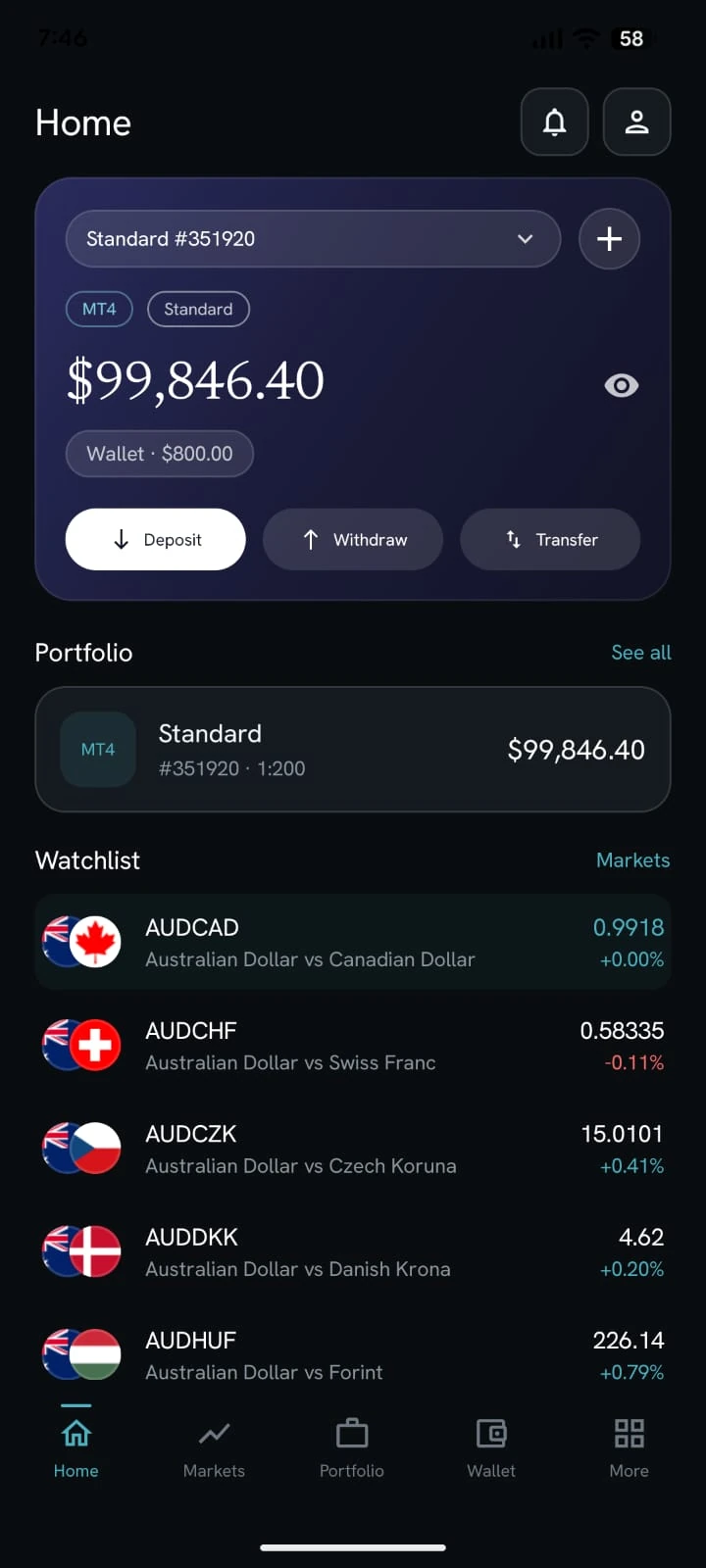
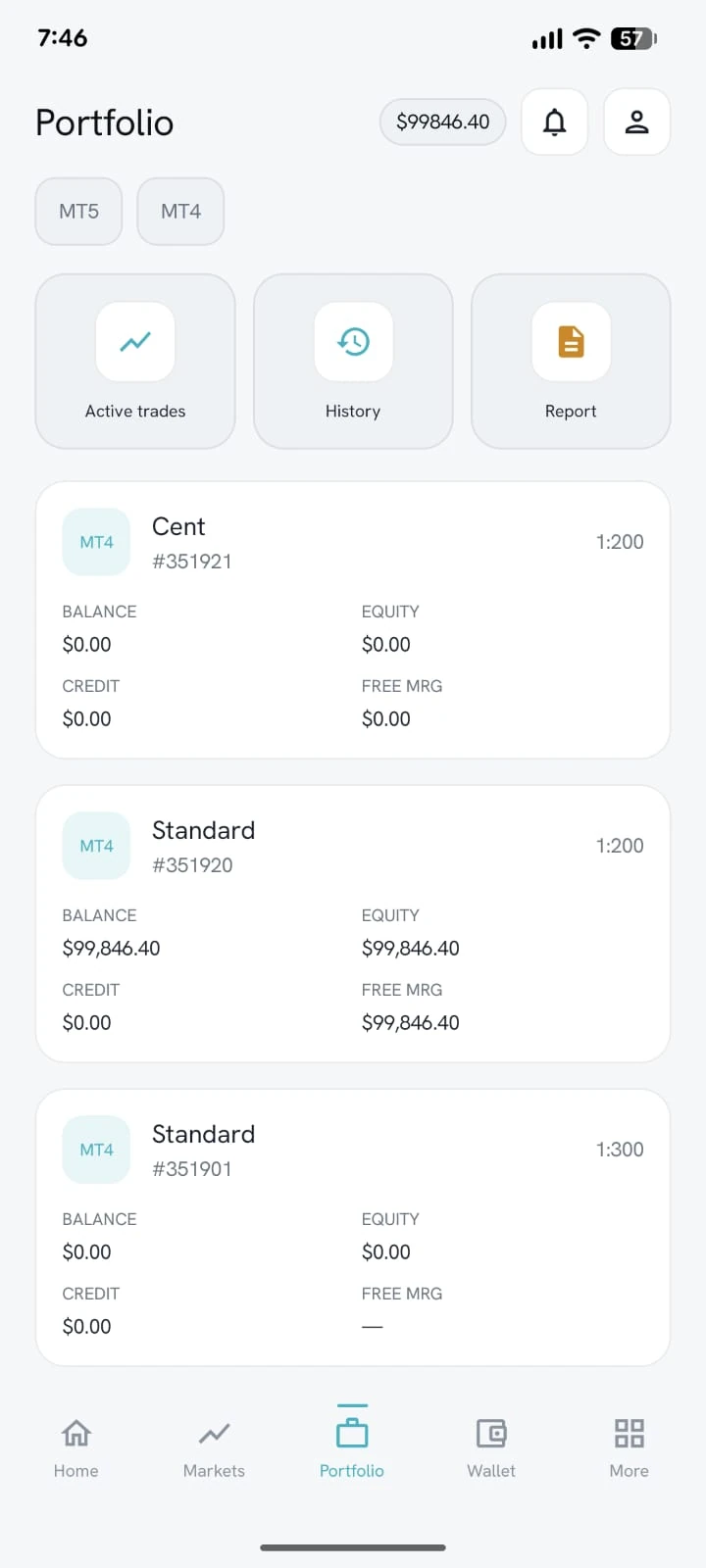
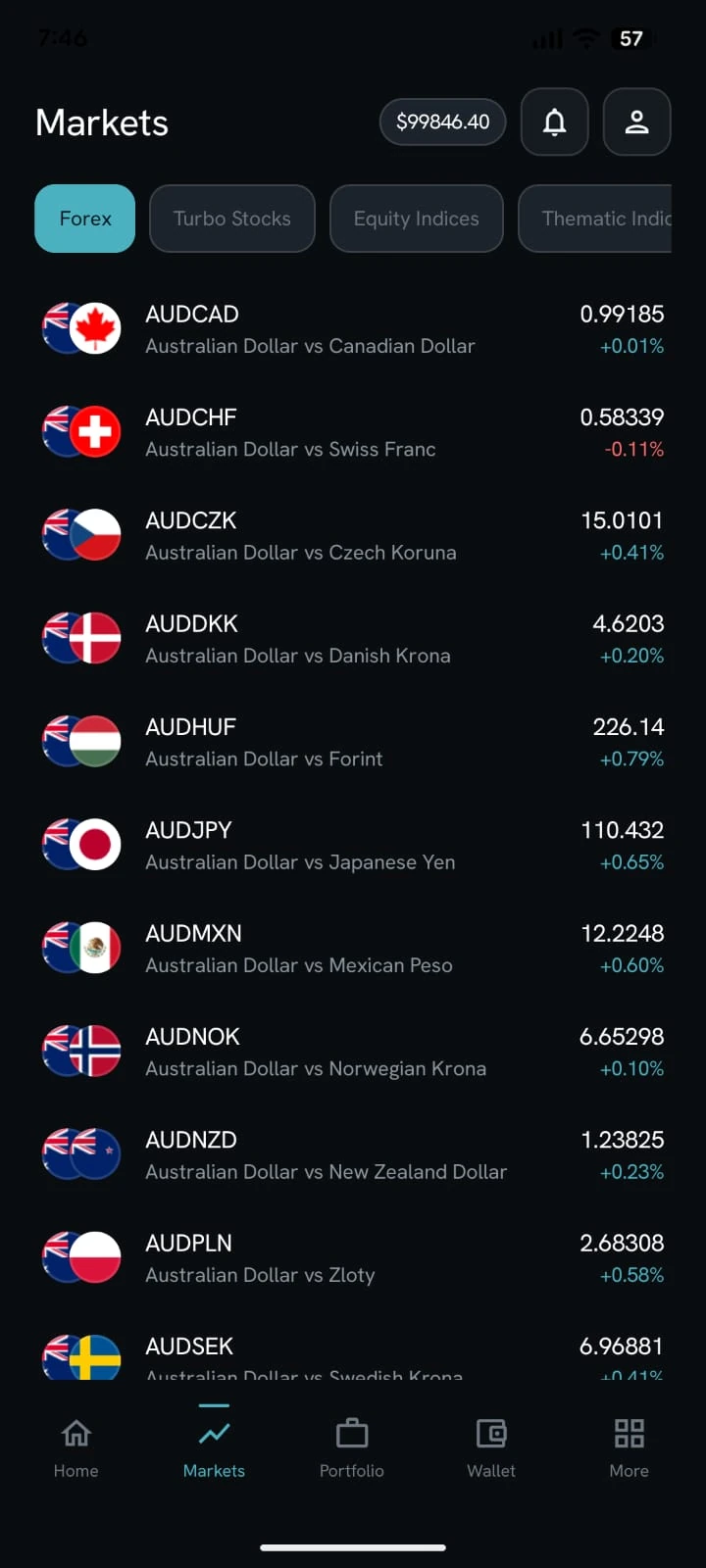
White-label app
What Brokerium does
Grounded in the live product.
- Create MT4 and MT5 accounts with admin-configured types and leverages
- Live vs demo distinction, balances, equity, credit, free margin
- Change trading password / investor password
- Open trades, close trades where enabled, history and statements
- Enable or disable MT4 and MT5 independently
- KYC-required-before-trading per platform
- Global and per-client max accounts; archive with OTP, restore or purge later
How staff use it
- 01Connect MT4 and/or MT5 servers and groups in Settings.
- 02Create, link, credit, or reset accounts from Client 360.
- 03Turn a platform off — routes and menus follow the flag.
How the trader sees it
- 01Open a live or demo account from the cabinet or the white-label app.
- 02See login, balance, equity, and transfer wallet ↔ trading.
- 03Review open trades, history, and statements without leaving the room.
Related pillars
01
Trader’s Room
Wallet, trading accounts, KYC, support, tools and partner access in one client cabinet — on web and a white-label mobile app.
↗
03
Wallet & payments
Deposits, withdrawals, internal transfers, bank accounts and crypto addresses.
↗
04
KYC that gates trading
Three-document workflow with review states and per-platform trading locks.
↗
See it on your brokerage
Put the brokerage on one desk.
We’ll map Brokerium onto your MT4/MT5 servers and your brand — not the other way around.