
The connections a MetaTrader broker actually needs.
We do not claim 300 payment integrations or eight trading platforms. These are the real ones.
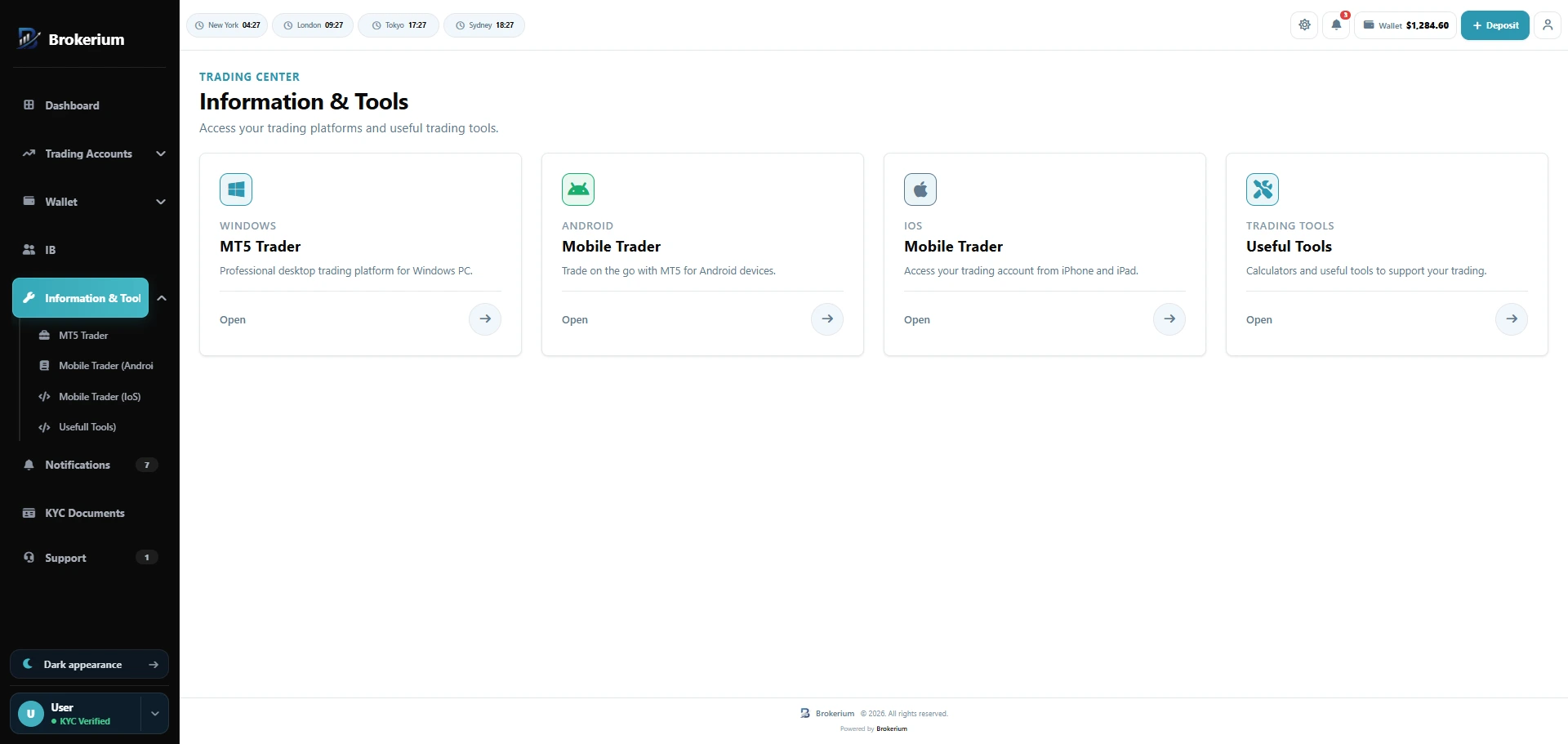
Windows, Android, and iOS download pages for your traders.
Brokerium surfaces official MetaTrader downloads inside the branded cabinet. The CRM connects to the MT4 and MT5 servers you already run.
MetaTrader 4
Server connection, groups, account create, trades, transfers, and credit. The platform can be disabled independently.
MetaTrader 5
The same operational surface as MT4, plus top pairs / market watch in the trader dashboard.
Multiple CRM SMTPs or a third-party HTTP API, from-identity, inbound webhook, IMAP sync, and client broadcast.
Your marketing site
A signed register integration so a broker website can open CRM clients. This is for trader signups — not sales leads.
Payment rails you bring
Card payment URL, bank details, crypto network and address with optional QR. Works with the methods you configure.
Integrates with your existing MetaTrader 4 and MetaTrader 5 servers. Ready for a branded web cabinet and a white-label mobile app — plus official MetaTrader downloads for Windows, Android, and iOS.
White-label mobile, powered by Brokerium.
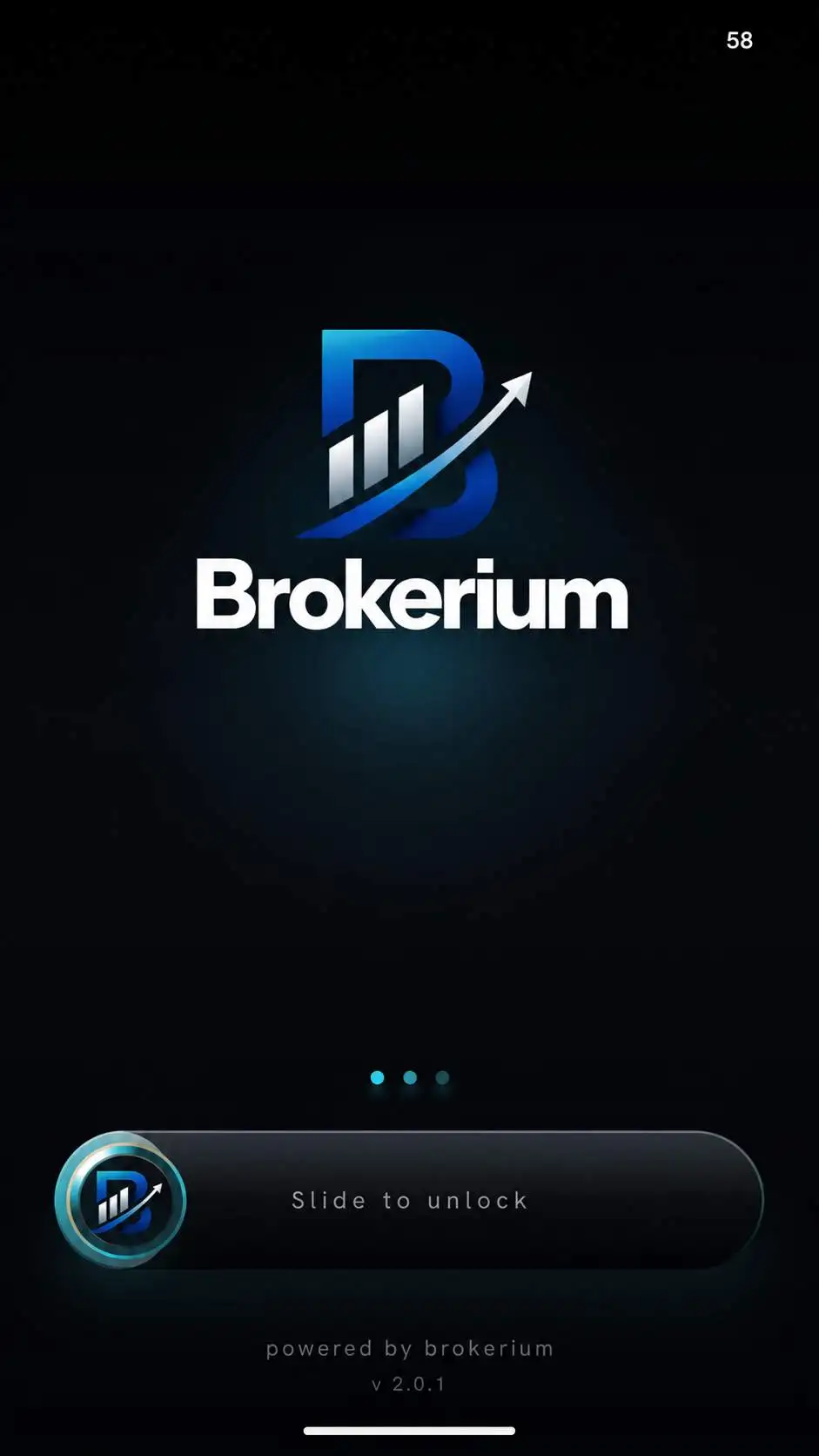
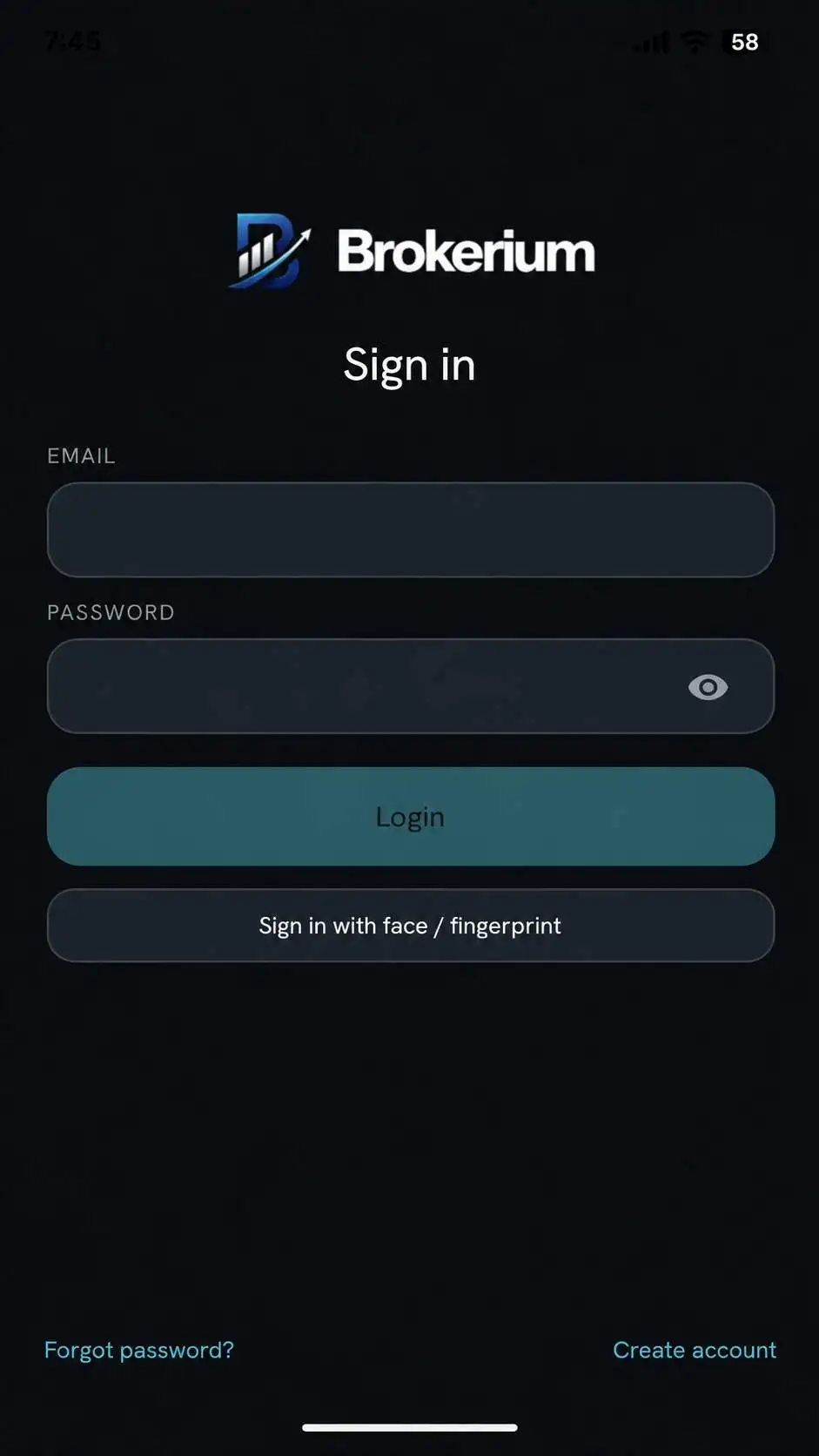
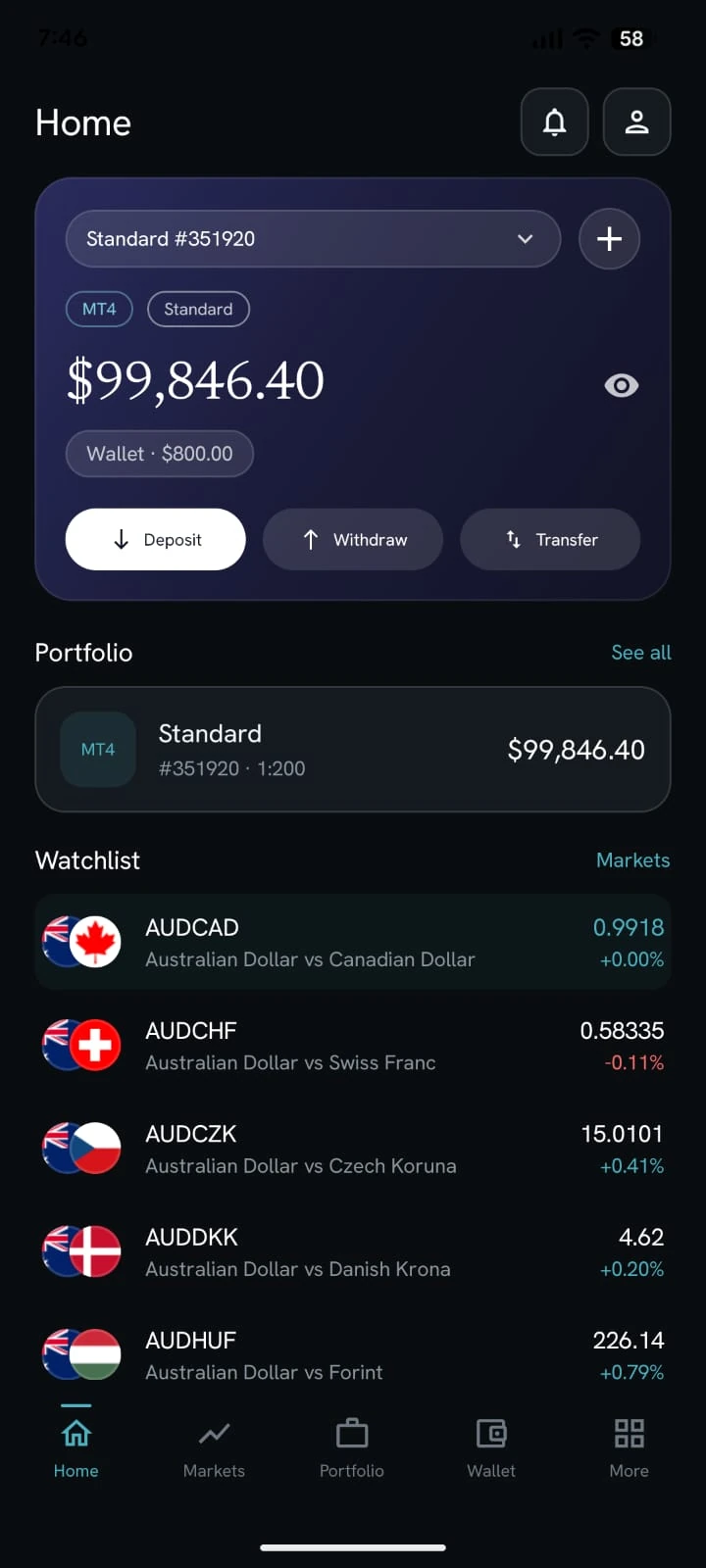
The splash screen carries your brand. Sign-in, home, and markets sit on the same CRM as the web Trader’s Room — not a separate retail product.
Put the brokerage on one desk.
We’ll map Brokerium onto your MT4/MT5 servers and your brand — not the other way around.