
IB commission engine
IB that actually pays, not a rate card PDF.
Groups, matrix, tiers, referral links, and a partner wallet. Partners see lots and trades. You approve the cash-out.
PROBLEM
Lot rebates that live in a spreadsheet become disputes. Partners cannot see progress, and ops cannot prove a rate.
Live cabinet
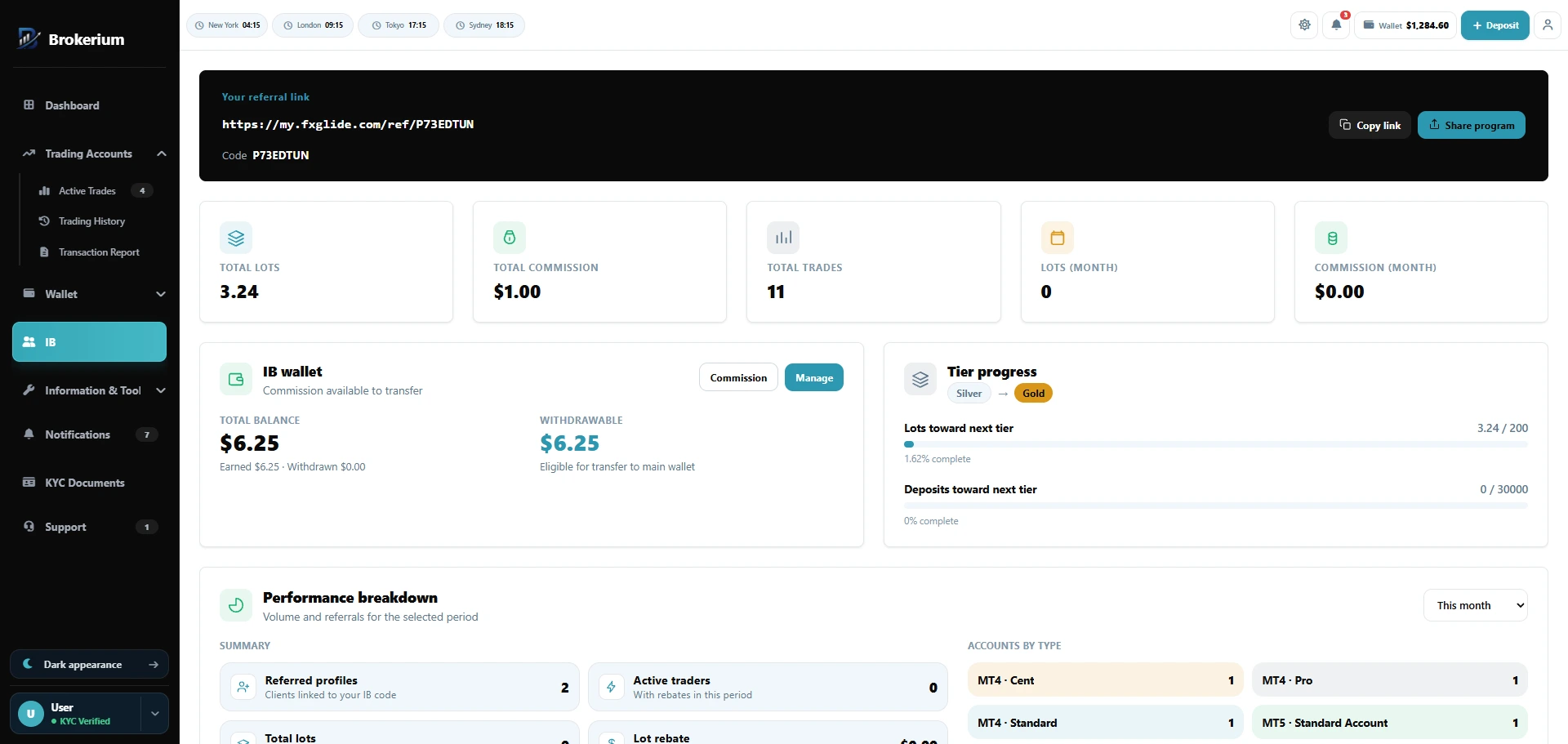
Referral link, lots, tiers, and a partner wallet.
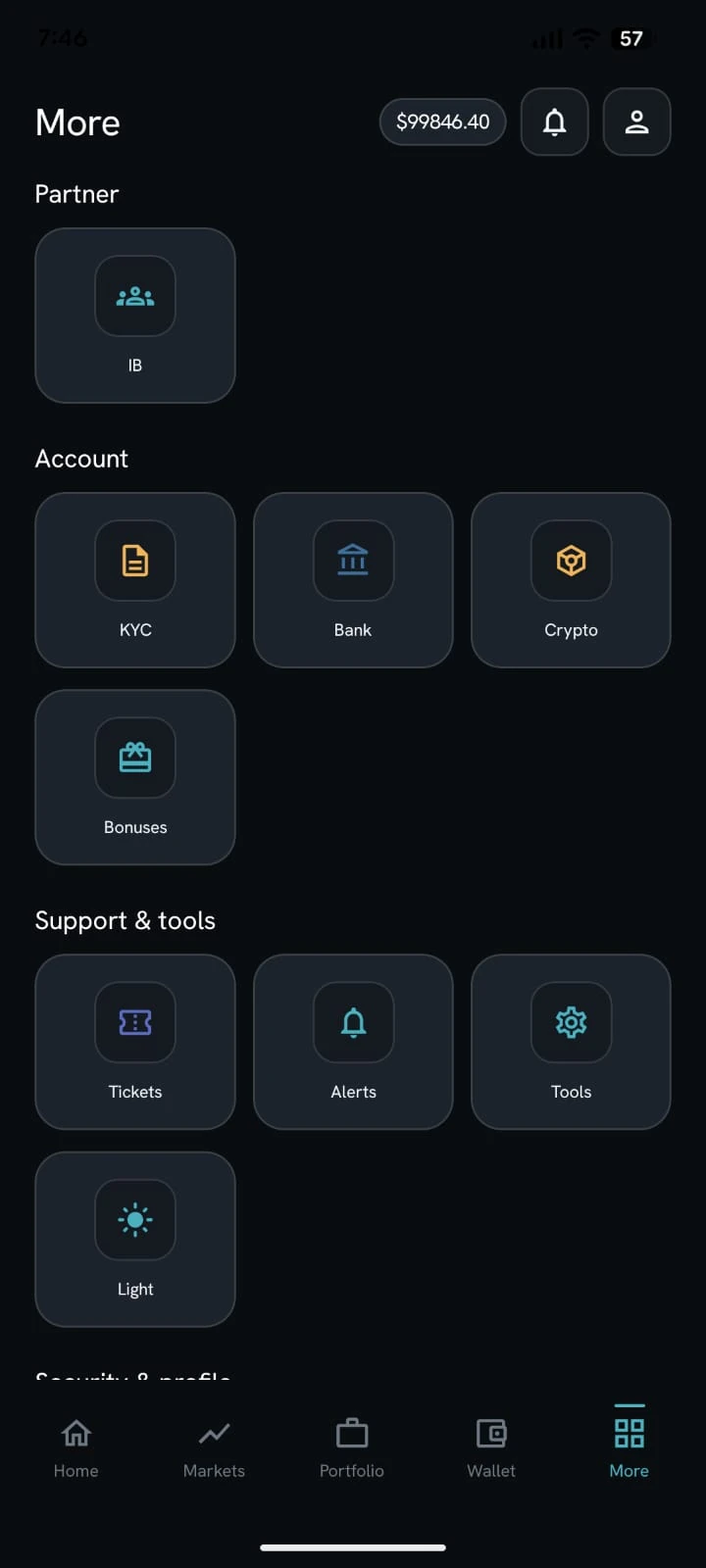
White-label app
What Brokerium does
Grounded in the live product.
- Application inbox: approve / reject
- Referral link and code, referred profiles, active traders
- Commission groups, bulk matrix, and qualification tiers
- Global trade filter plus per-IB and per-client overrides
- IB wallet, transfer approval, and manual commission credit
- Move clients between IBs with history
- Partner analytics: timeframes, lots, rebate, accounts-by-type
How staff use it
- 01Approve the IB application and assign a group.
- 02Set the matrix and tiers; override a client if needed.
- 03Approve partner wallet transfers or credit commission manually.
How the trader sees it
- 01Apply from the cabinet or the app More menu and receive a referral link.
- 02Track lots, trades, tier progress, and rebate history.
- 03Request a transfer from the IB wallet to the main wallet.
Related pillars
01
Trader’s Room
Wallet, trading accounts, KYC, support, tools and partner access in one client cabinet — on web and a white-label mobile app.
↗
03
Wallet & payments
Deposits, withdrawals, internal transfers, bank accounts and crypto addresses.
↗
06
Staff back office
Client 360, cash queues, KYC, tickets, mail and permission-scoped staff seats.
↗
See it on your brokerage
Put the brokerage on one desk.
We’ll map Brokerium onto your MT4/MT5 servers and your brand — not the other way around.