
Onboarding & compliance
KYC that can gate trading, not a file dump.
KYC workflow with selfie, photo ID, and proof of address — reviewed by your compliance team. You choose whether MT4, MT5, or both stay locked until approved.
PROBLEM
If documents sit in email and trading is already live, compliance is theatre. Brokerium keeps the pack on the client and can block the platform.
Live cabinet
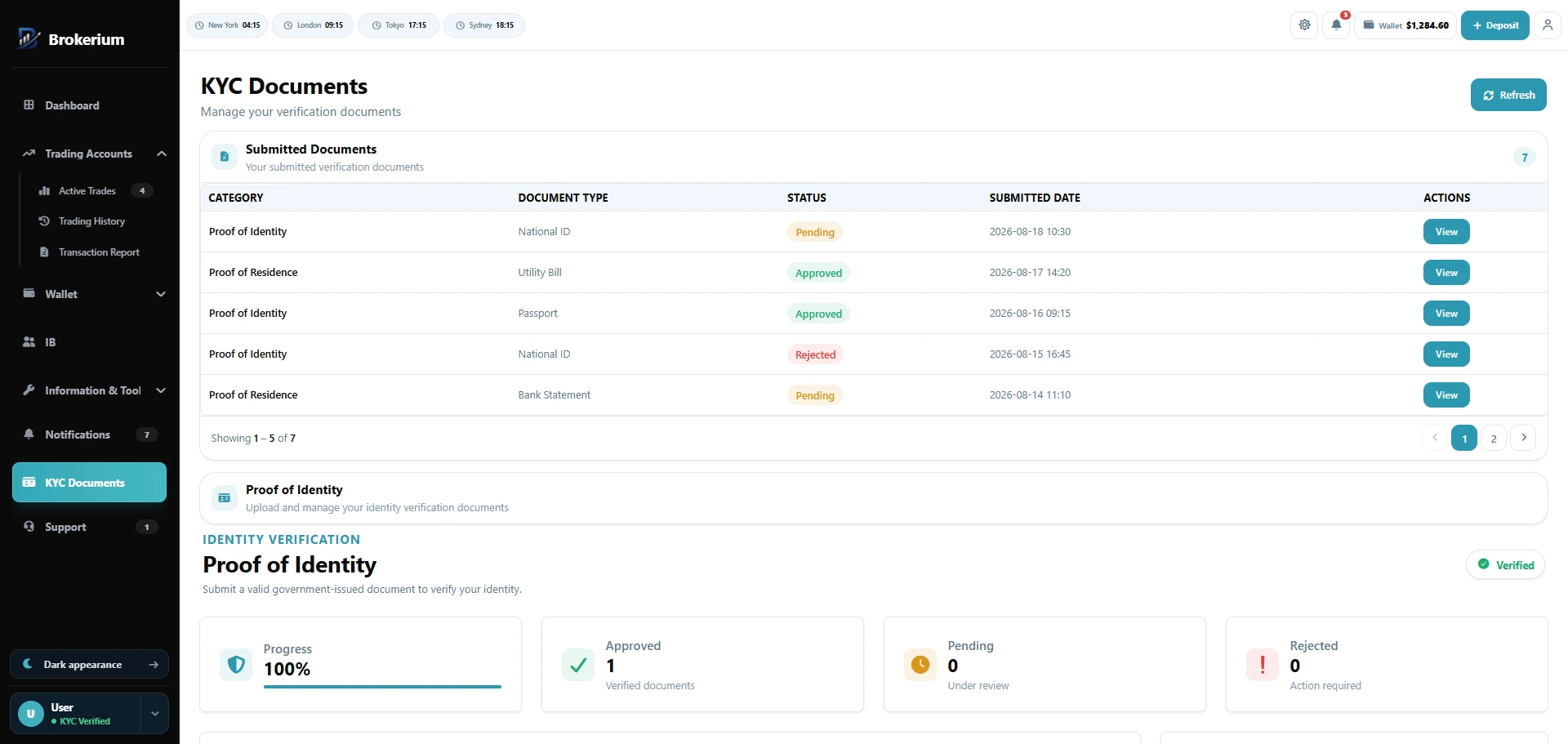
Selfie, ID, and address — pending, approved, or rejected.
White-label app
What Brokerium does
Grounded in the live product.
- Three-step pack: selfie → proof of ID → proof of residence
- Statuses: pending / approved / rejected, shown in the trader nav
- Admin review queue, modal, status patch, and document download
- Require KYC before trading, independently per MT4 and MT5
- Manual approve, reject, or approve-all-documents from Client 360
How staff use it
- 01Open the KYC desk and review the three-document pack.
- 02Approve or reject with the status visible to the client.
- 03Turn on per-platform trading lock in Settings if policy requires it.
How the trader sees it
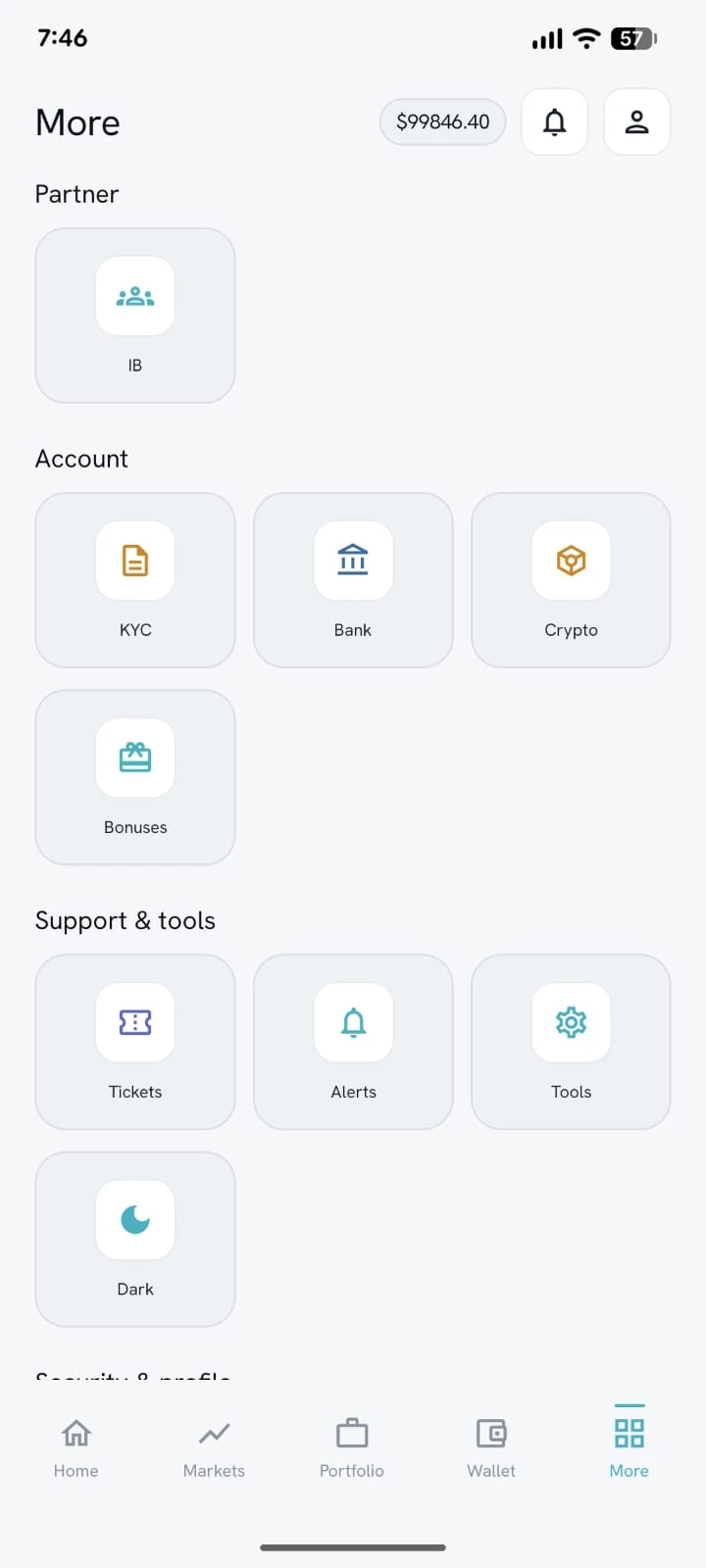
- 01Upload selfie, ID, and address from the cabinet or the More menu in the app.
- 02See pending / approved / rejected in the nav.
- 03Download submitted documents; trading stays blocked until you allow it.
Related pillars
01
Trader’s Room
Wallet, trading accounts, KYC, support, tools and partner access in one client cabinet — on web and a white-label mobile app.
↗
02
MetaTrader native
Create and manage MT4/MT5 accounts, balances, trades, credit and passwords.
↗
06
Staff back office
Client 360, cash queues, KYC, tickets, mail and permission-scoped staff seats.
↗
See it on your brokerage
Put the brokerage on one desk.
We’ll map Brokerium onto your MT4/MT5 servers and your brand — not the other way around.