
Partner programmes that settle, not just display.
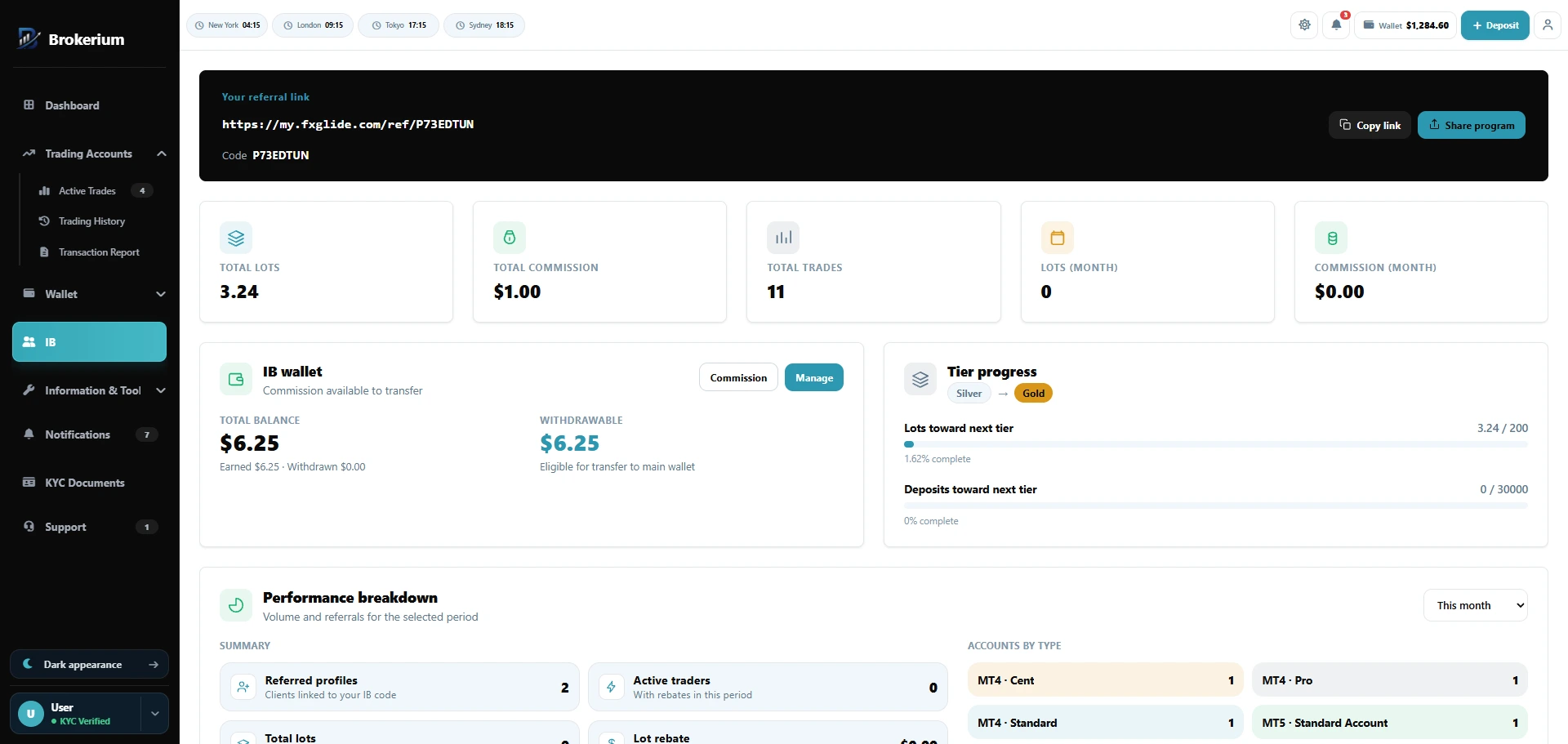
Rates live in a grid, not a PDF. Partners see lots, trades, and tier progress. You approve partner cash-outs.
Visible rates. Payable wallets.
- Rates live in a grid, not a PDF.
- Partners see lots, trades, and tier progress.
- You approve partner cash-outs.
- Move clients between IBs with a transfer history.
- Apply from the web cabinet or the app More menu.
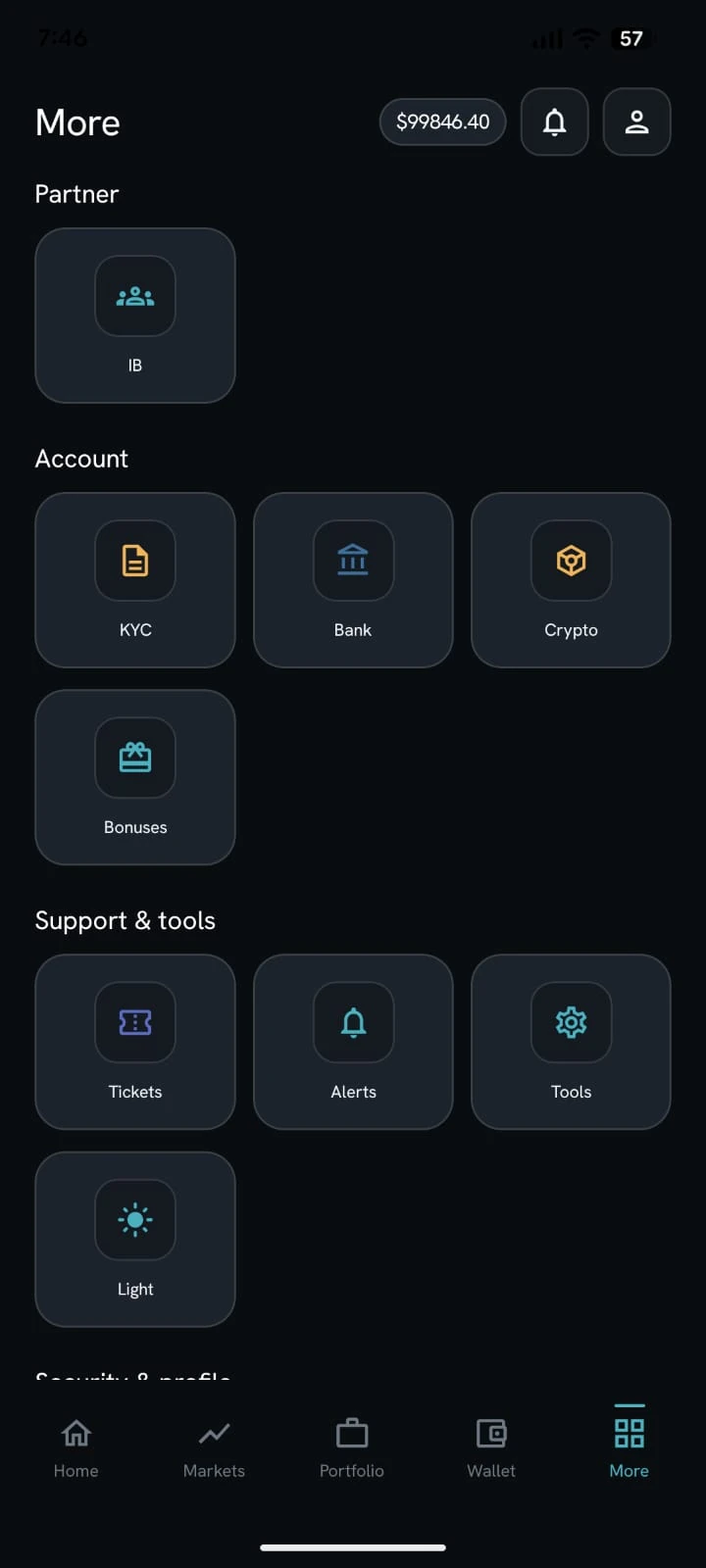
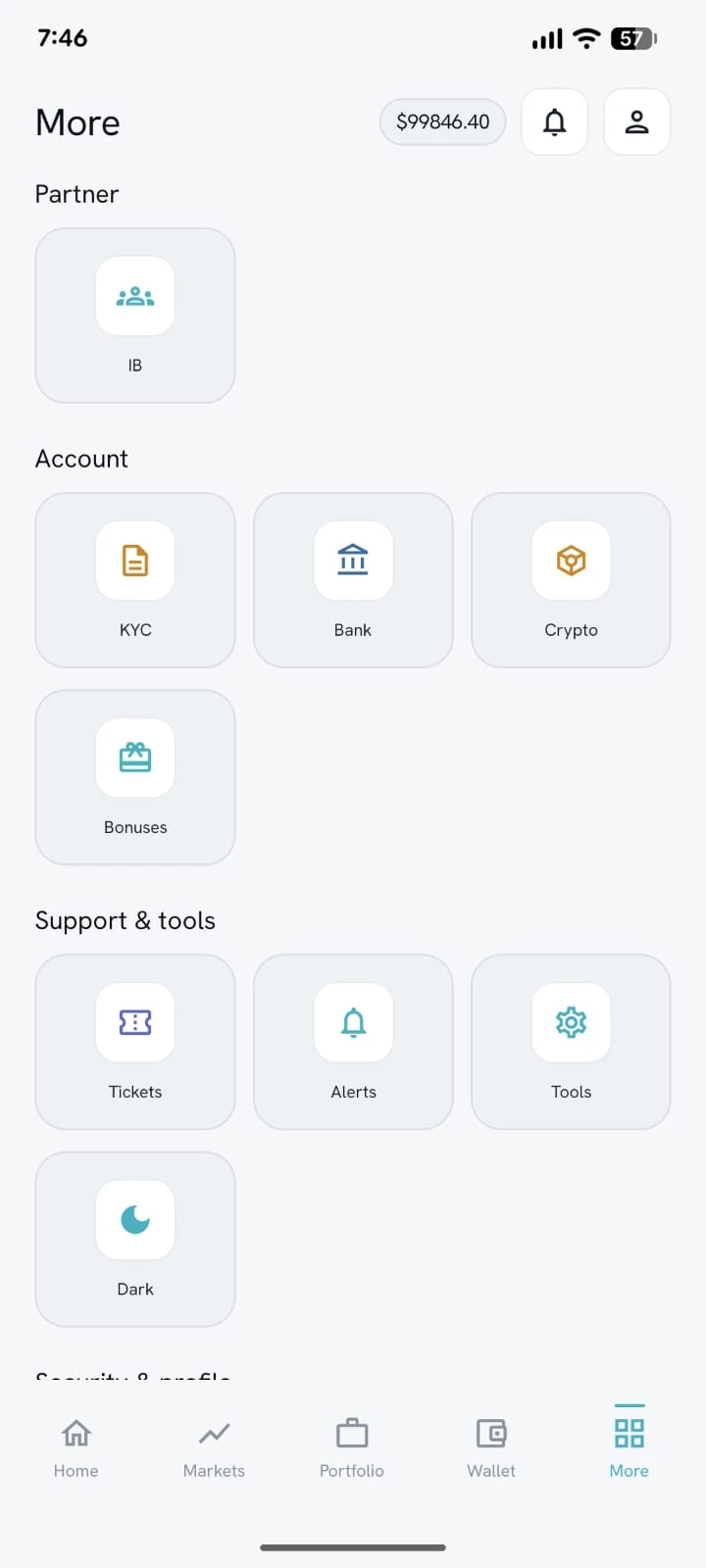
IB sits in the More menu.
Partners open IB from the white-label app — same programme as the web portal, dark or light theme.
Application workflow
Partners apply from the cabinet. Staff approve or reject in an IB inbox.
Referral link and code
Approved partners get a referral link and code, plus referred profiles and active traders.
Groups, matrix, tiers
Commission groups, a bulk rate grid, and qualification tiers. Rates live in a grid, not a PDF.
Filters and overrides
Global trade filters, per-IB overrides, per-client commission overrides, and the ability to move clients between IBs.
Partner dashboard
Lots, commission, trades, rebate history, and accounts-by-type across timeframes.
IB wallet
Partner wallet, withdrawable balance, transfer-to-main-wallet requests that you approve, and manual commission credit.
Put the brokerage on one desk.
We’ll map Brokerium onto your MT4/MT5 servers and your brand — not the other way around.