
A client cabinet traders will actually use.
Card, bank, and crypto in one wallet — on the web cabinet and in the white-label mobile app. Transfer wallet → MT5 without opening the manager.
Self-service for funds, accounts, and support.
- Card, bank, and crypto in one wallet.
- Transfer wallet → MT5 without opening the manager.
- Support tickets with files, not email ping-pong.
- Light and dark theme on web and in the branded mobile app.
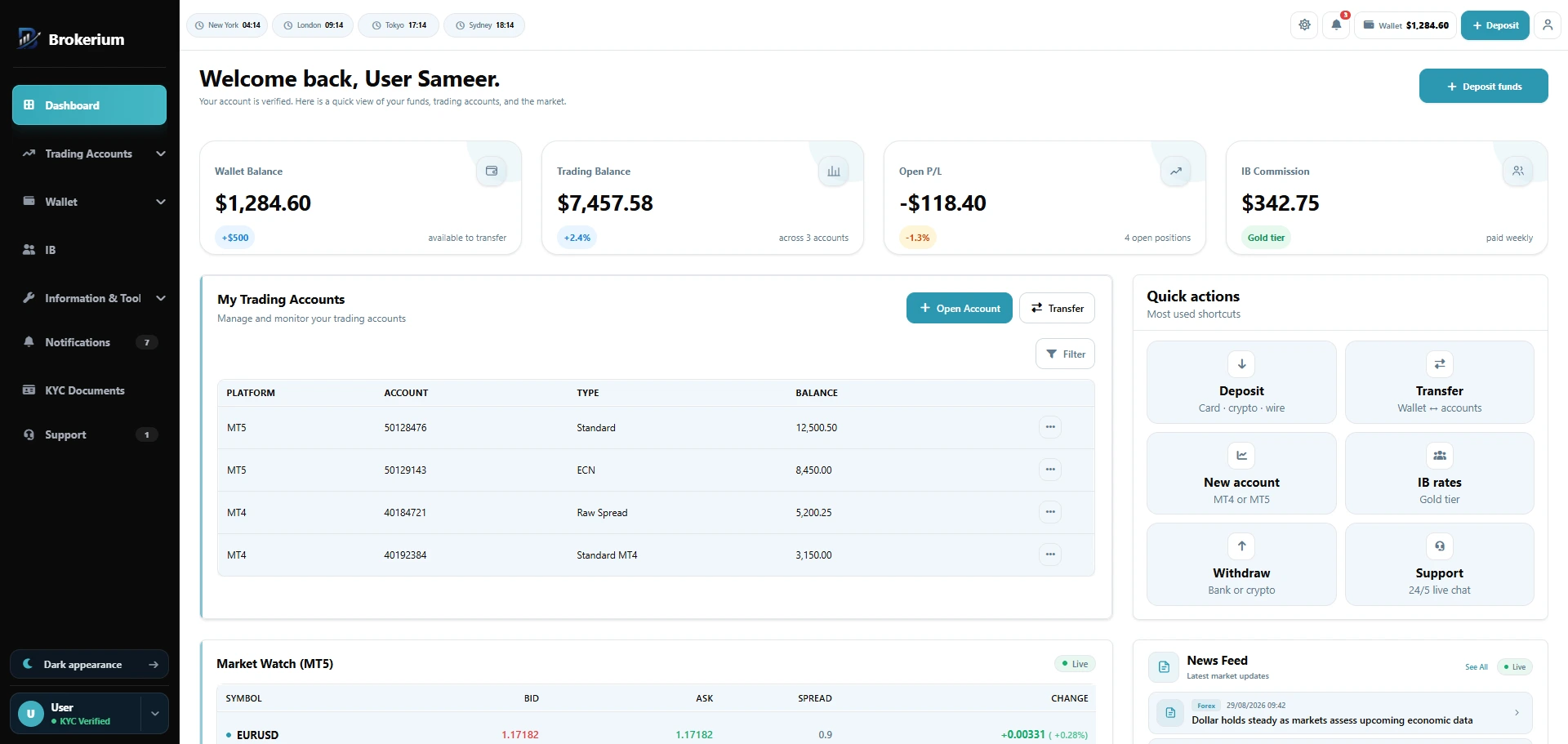
Dashboard — Wallet, accounts, P/L, and market watch in one cabinet.
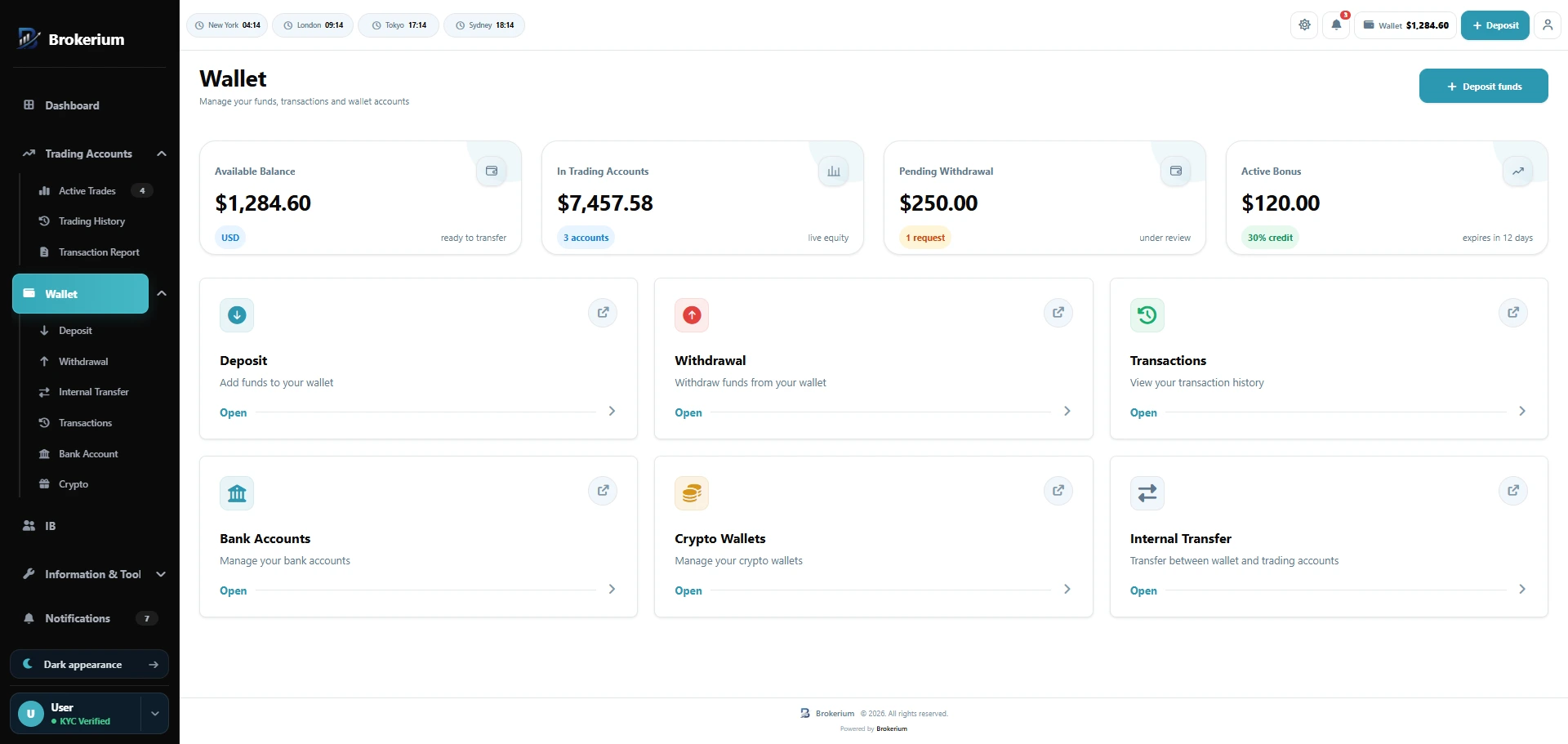
Wallet — Card, bank, and crypto rails on one ledger.
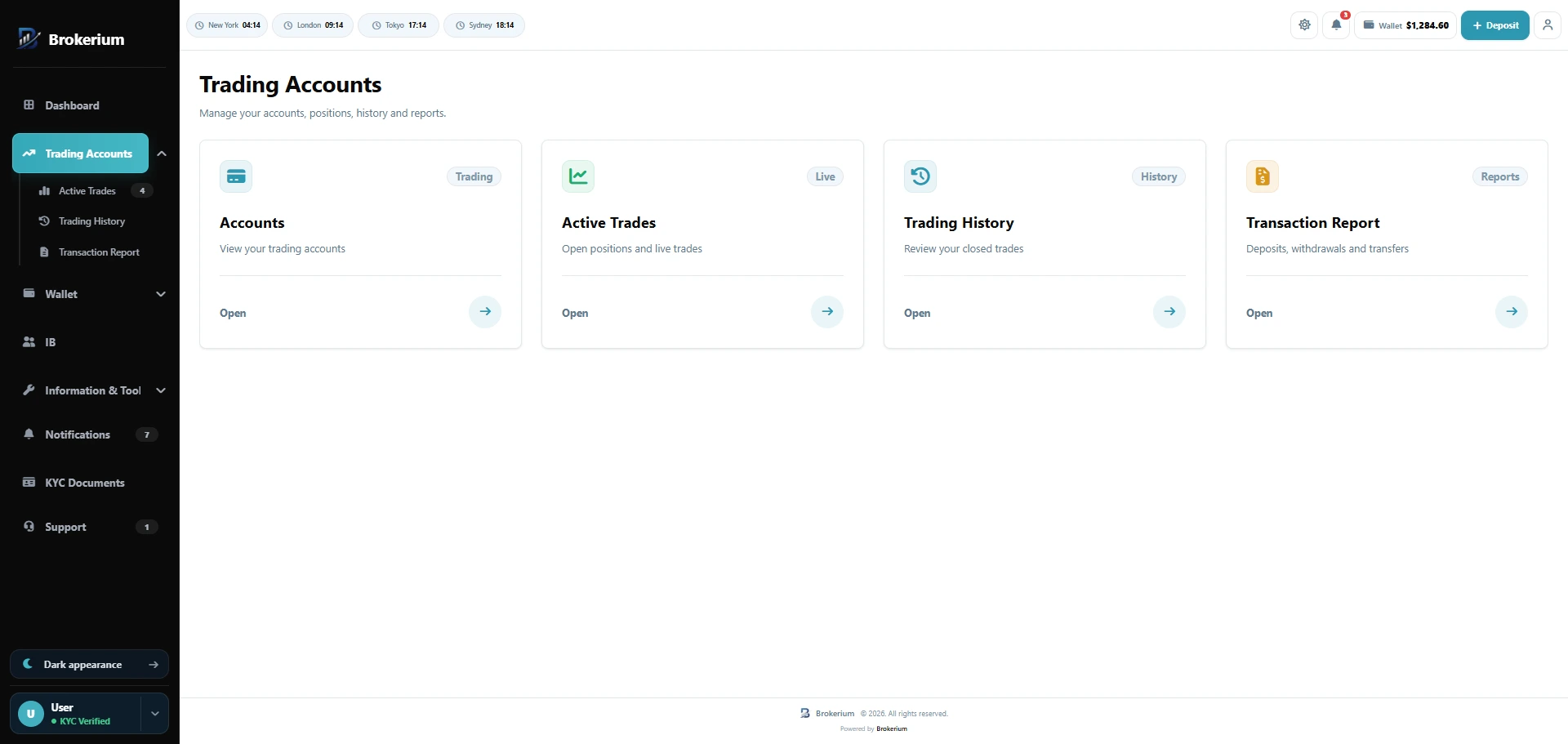
Trading accounts — MT4 and MT5 accounts, live trades, history, and reports.
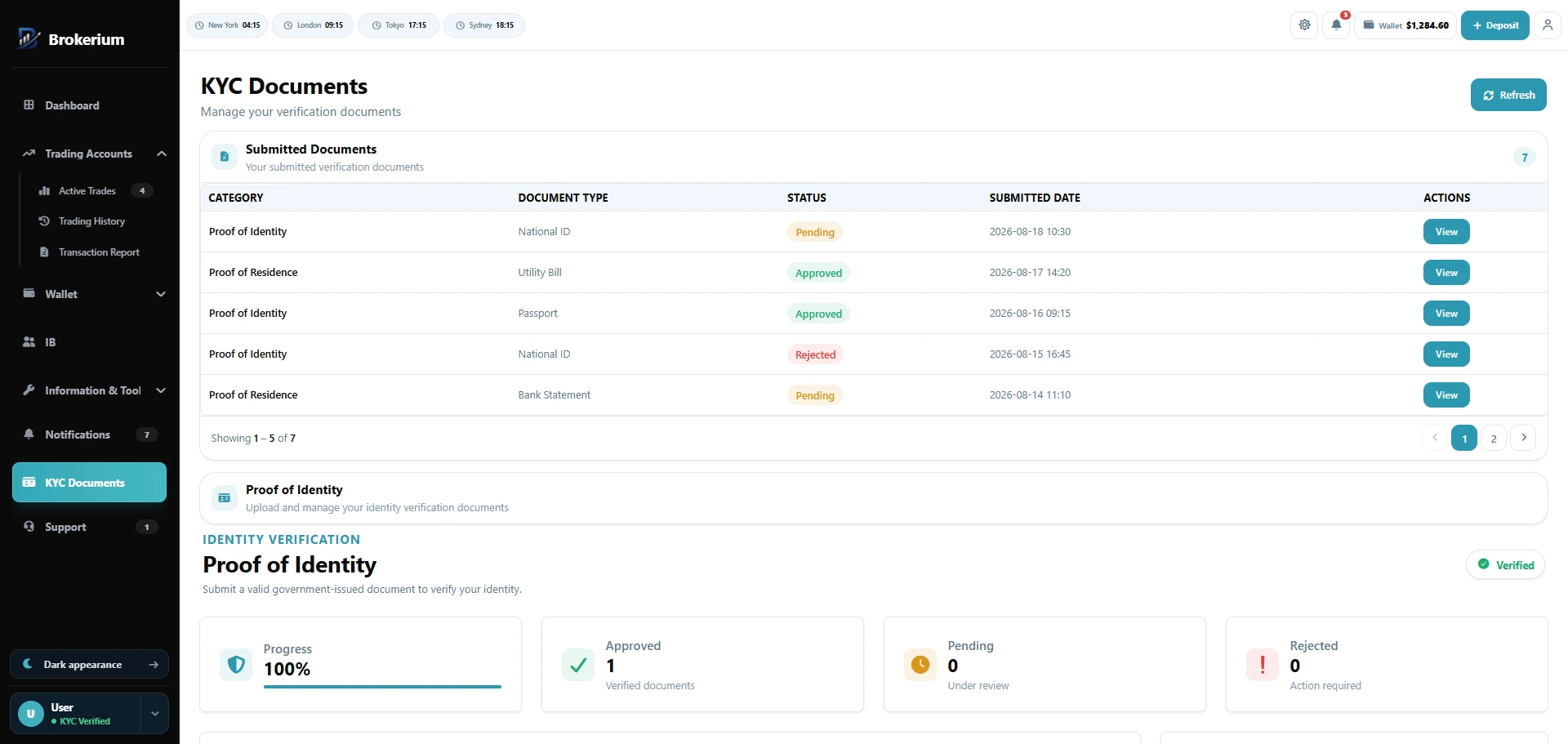
KYC — Selfie, ID, and address — pending, approved, or rejected.
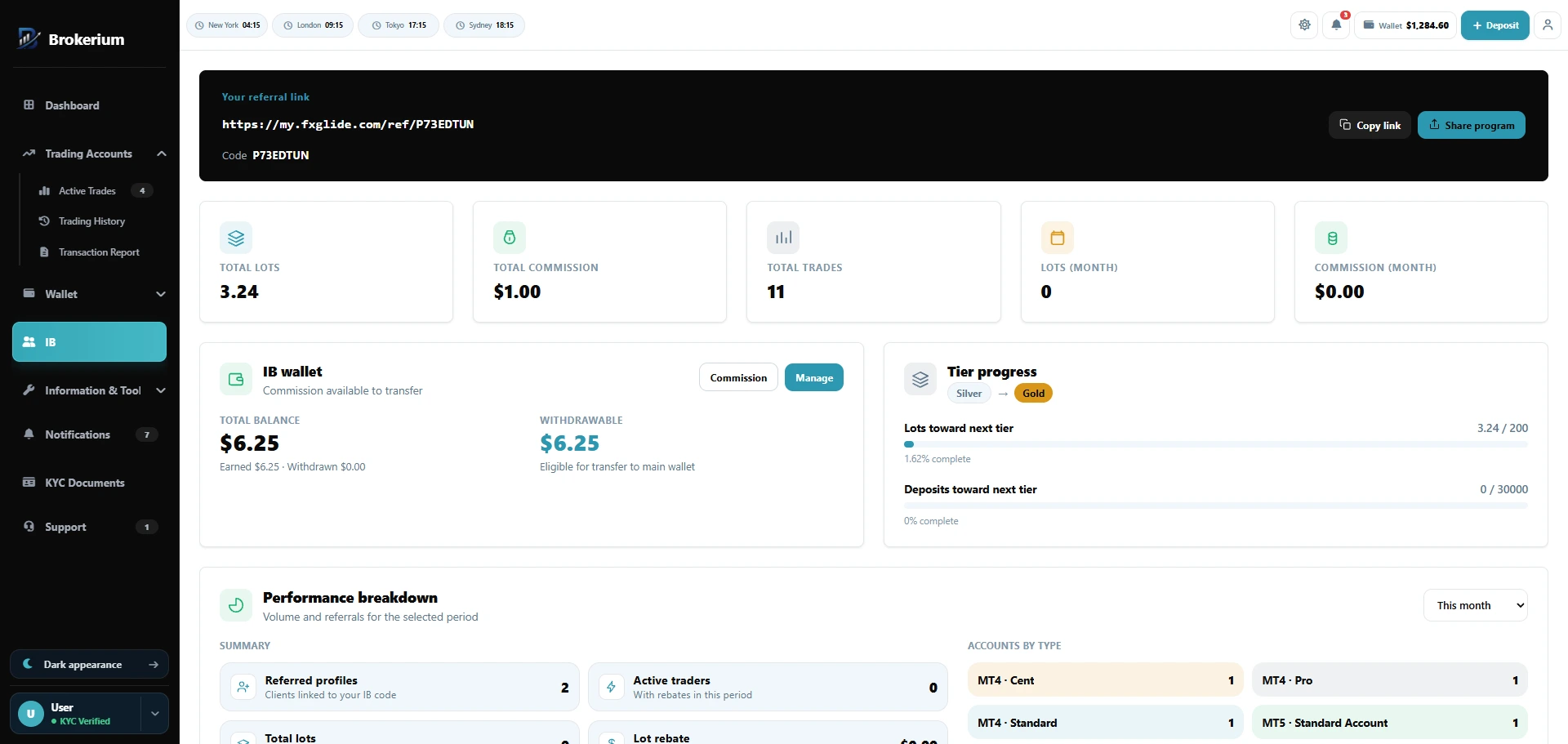
IB portal — Referral link, lots, tiers, and a partner wallet.
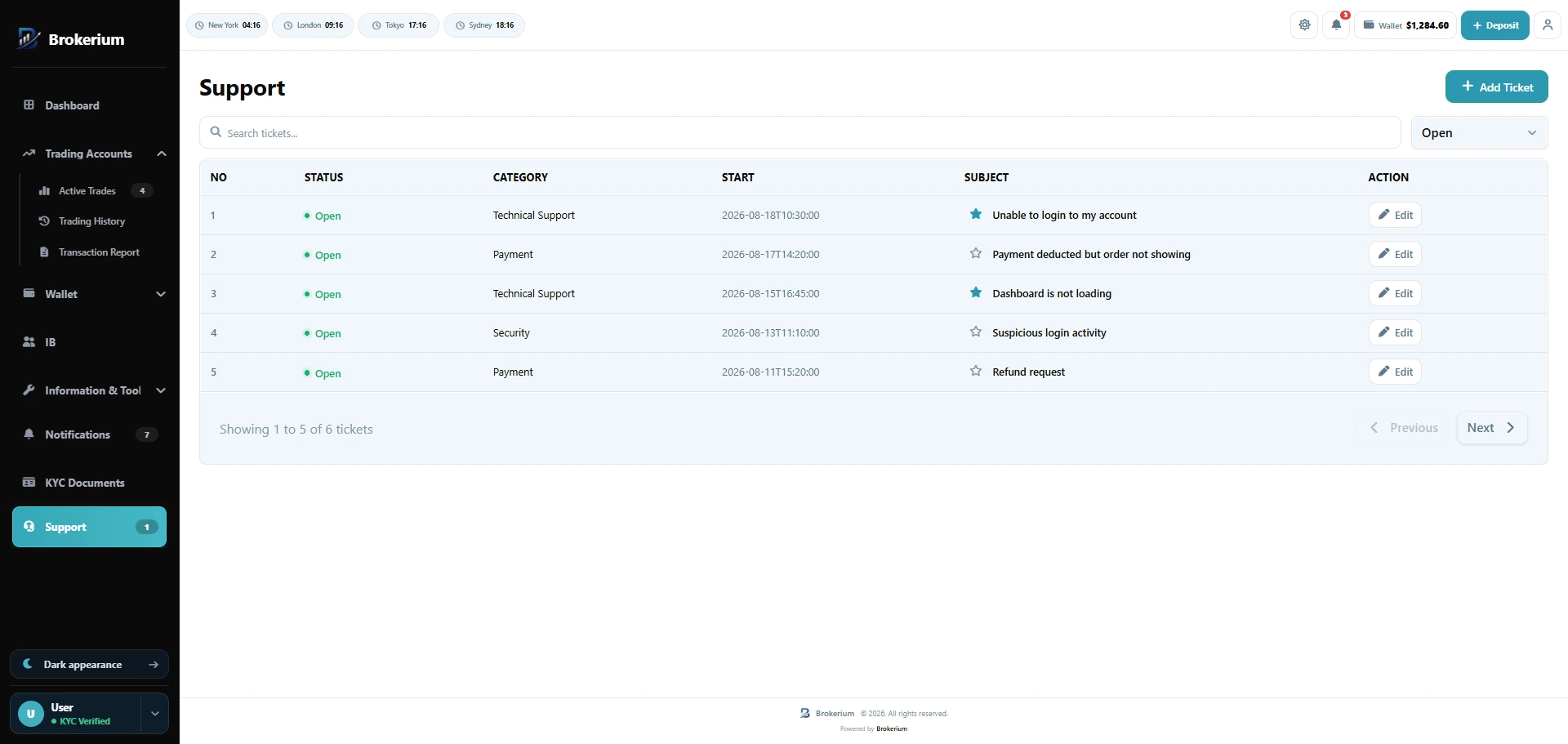
Support — Tickets with categories and files, not email ping-pong.
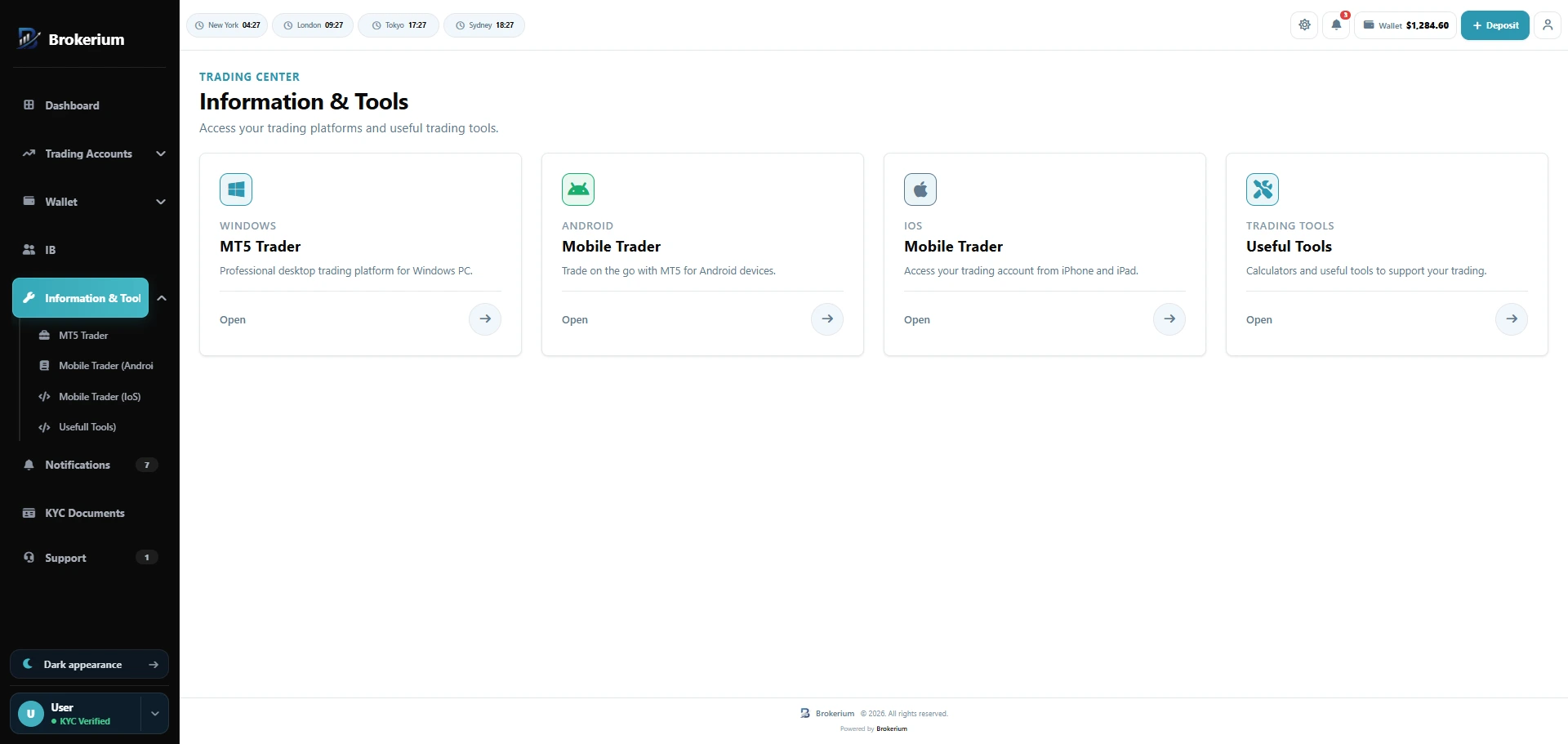
Information & tools — Official MetaTrader downloads and trading tools.
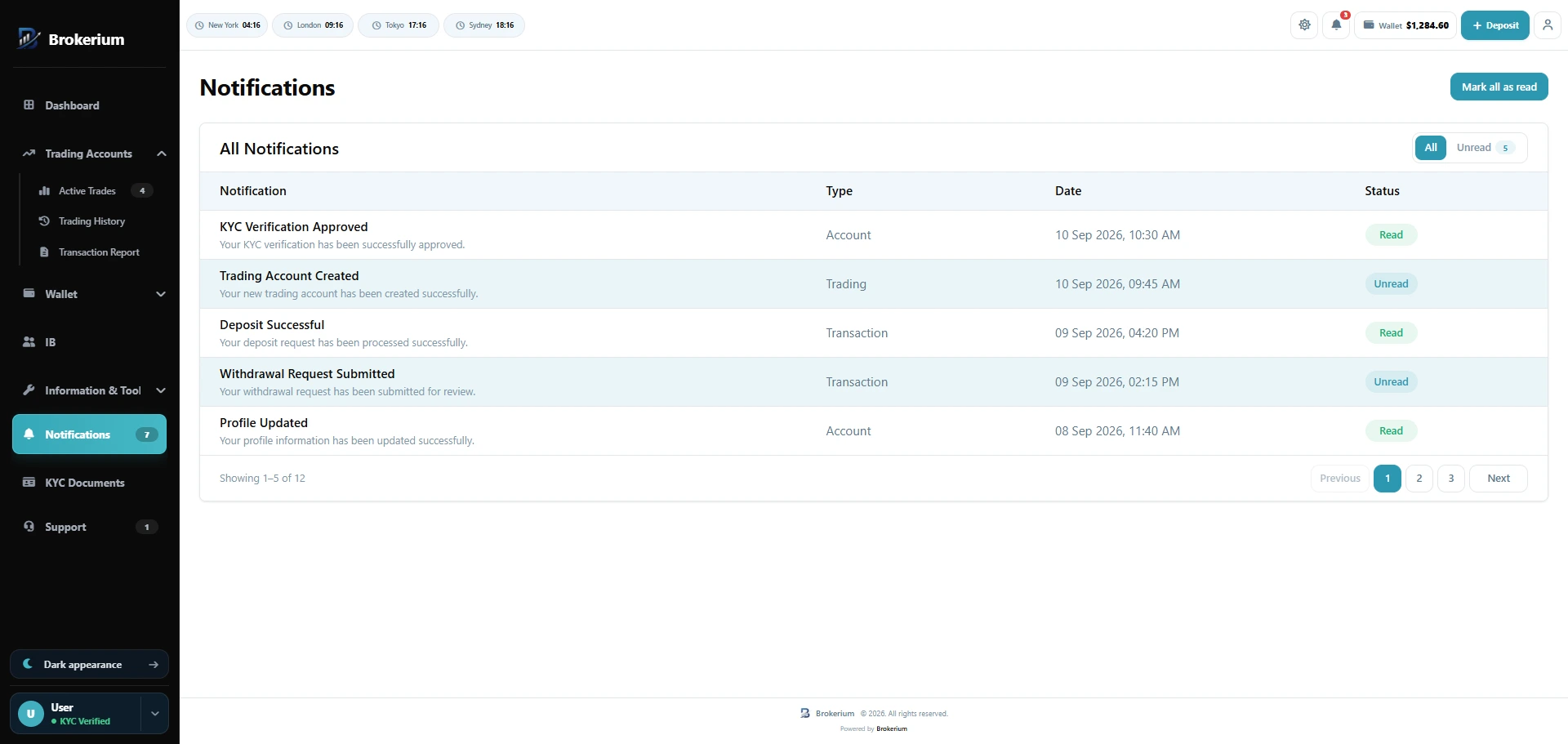
Notifications — Read one or read all — KYC, cash, and account events.
The cabinet your traders open on the phone.
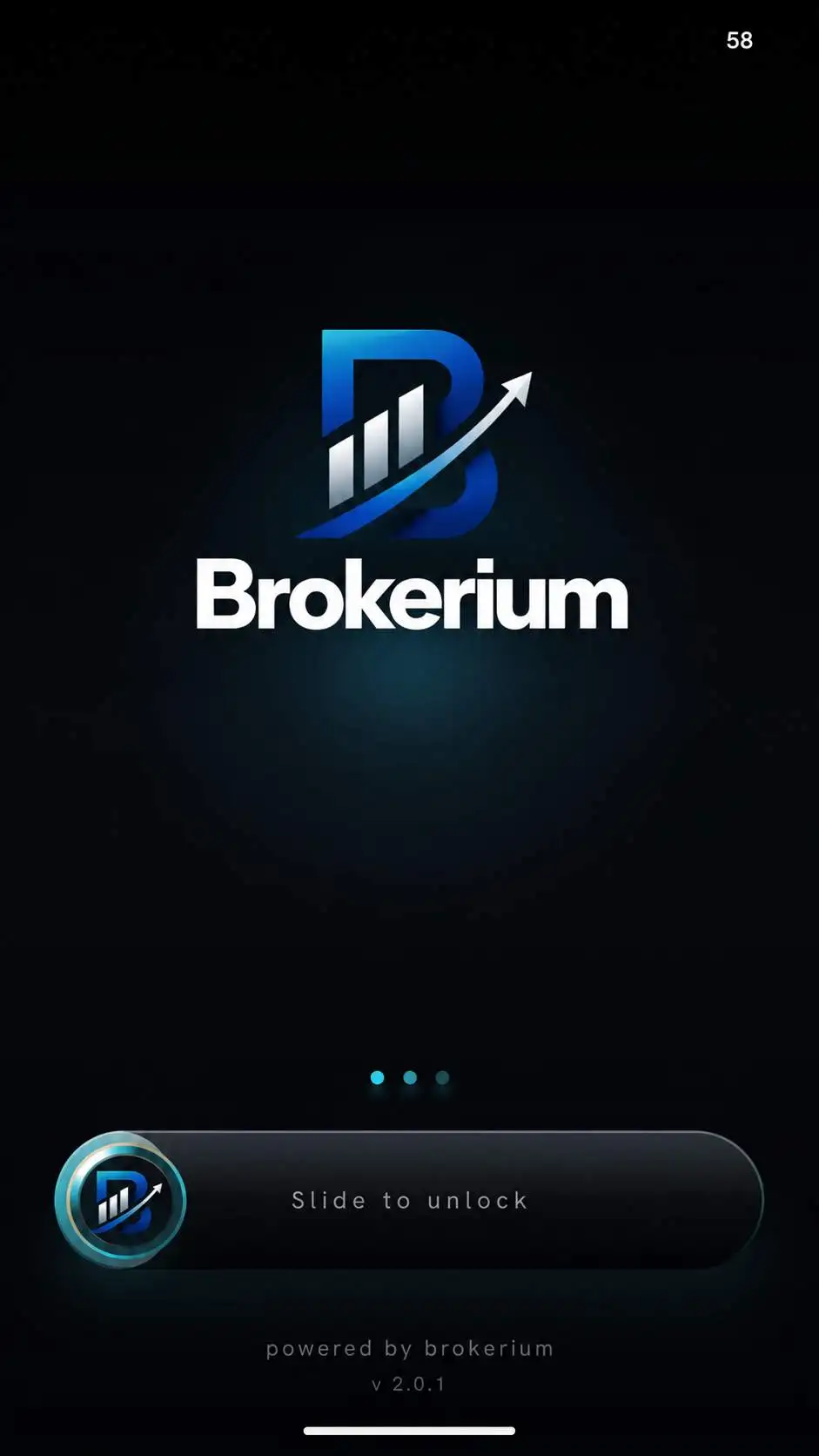
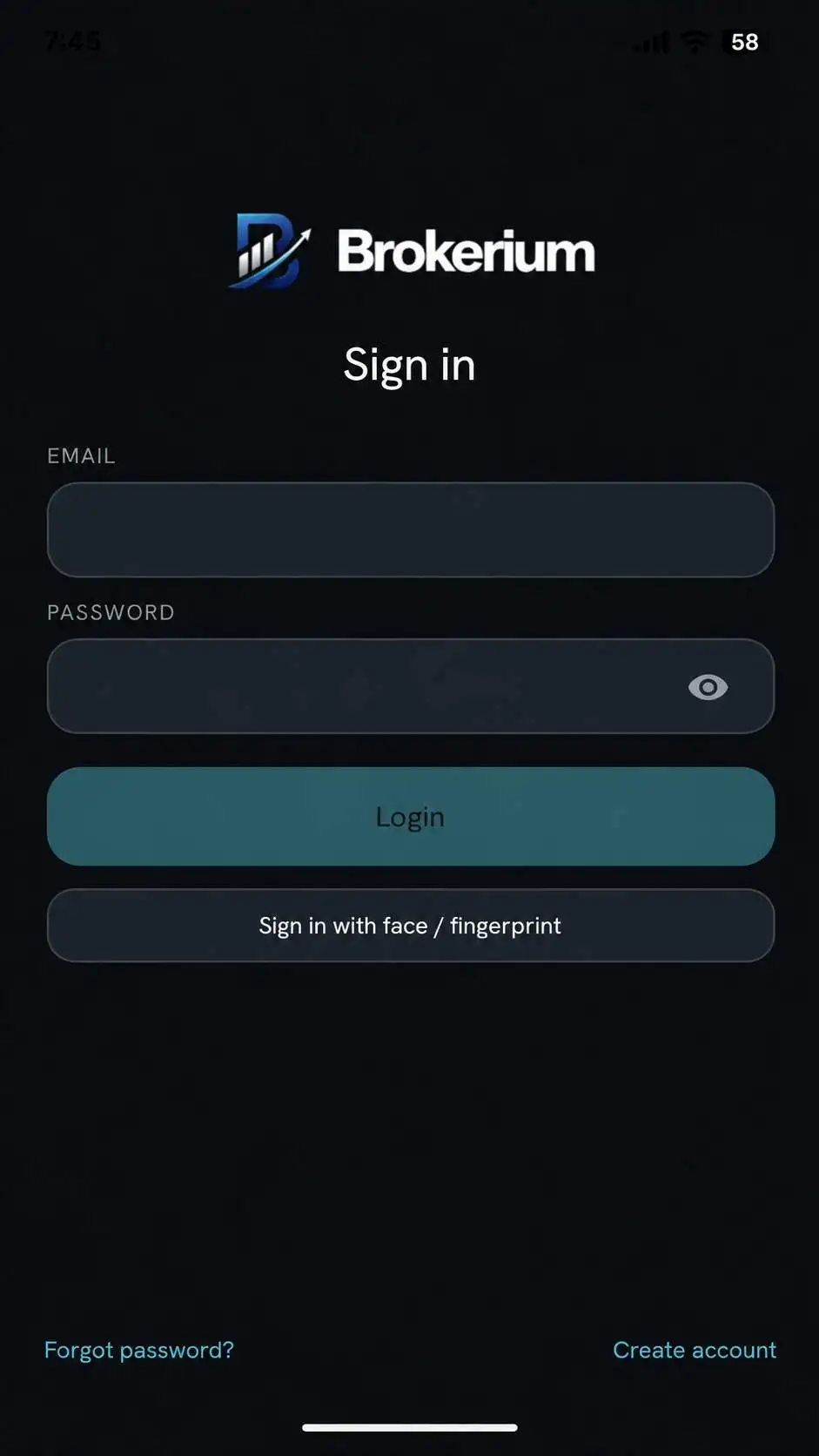
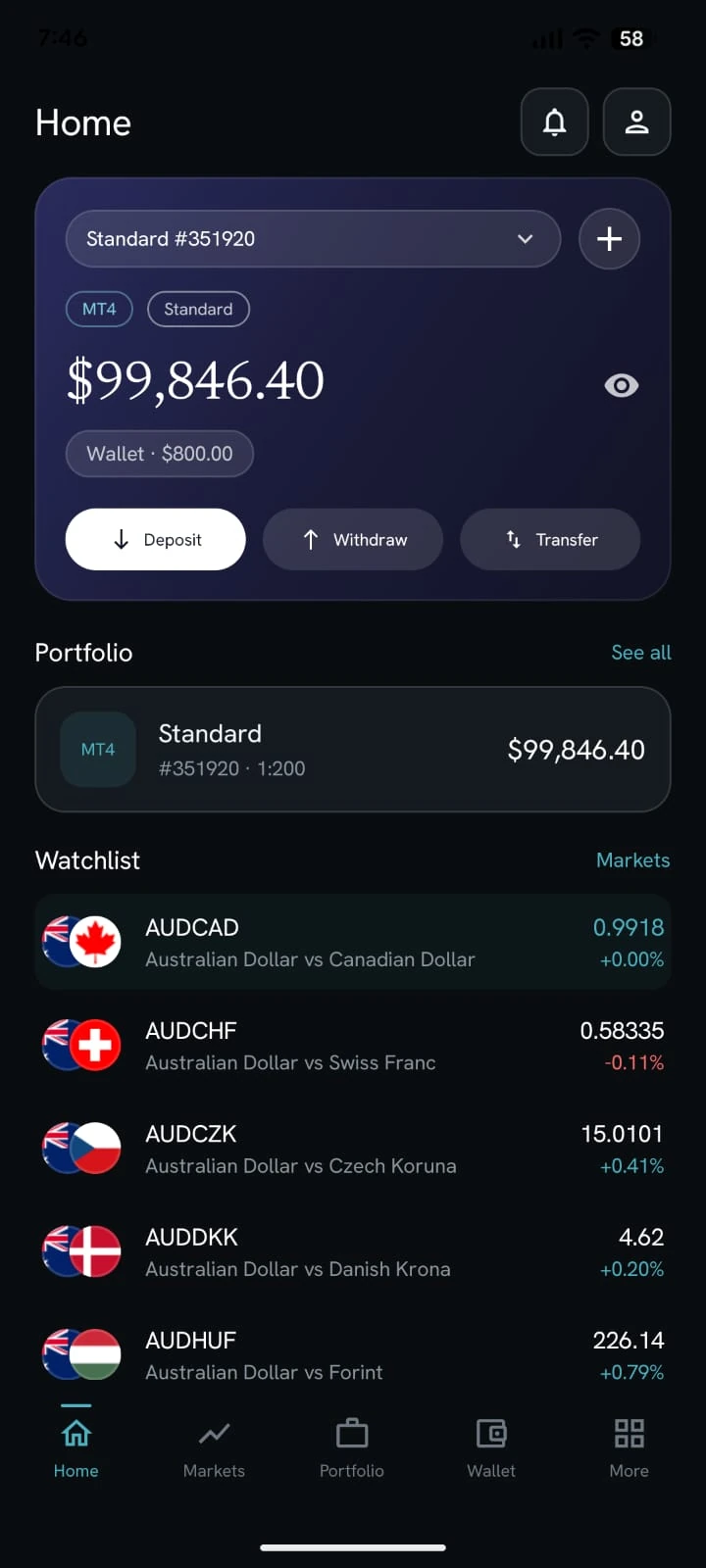
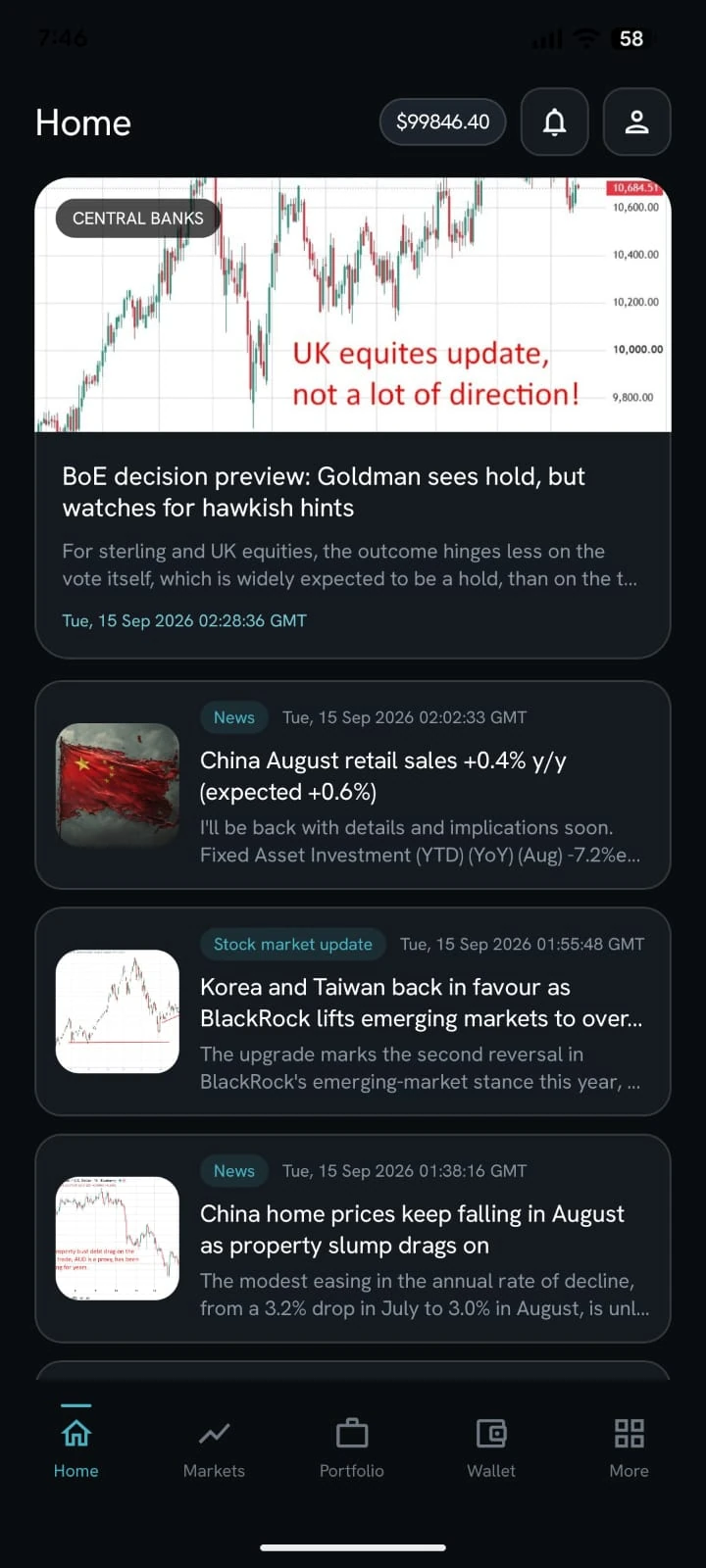
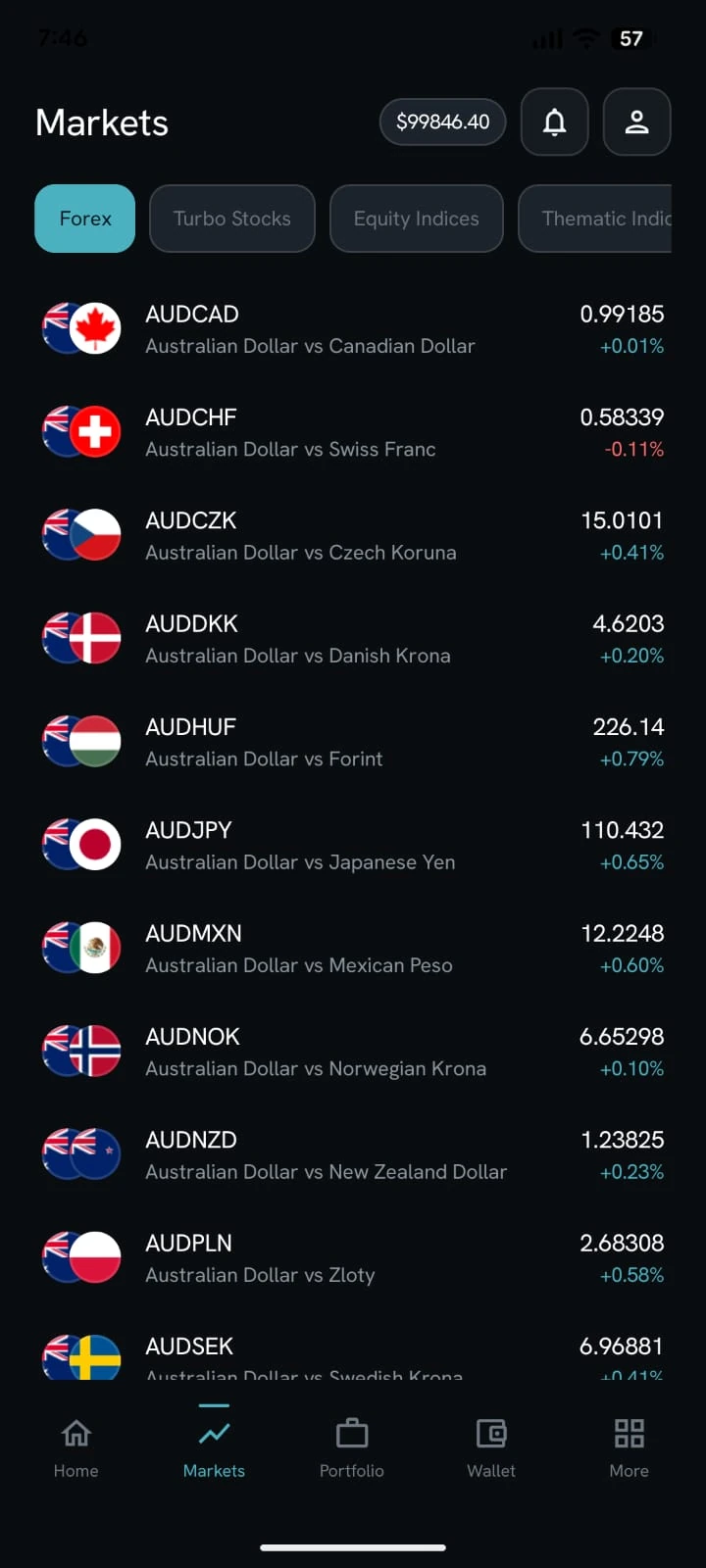
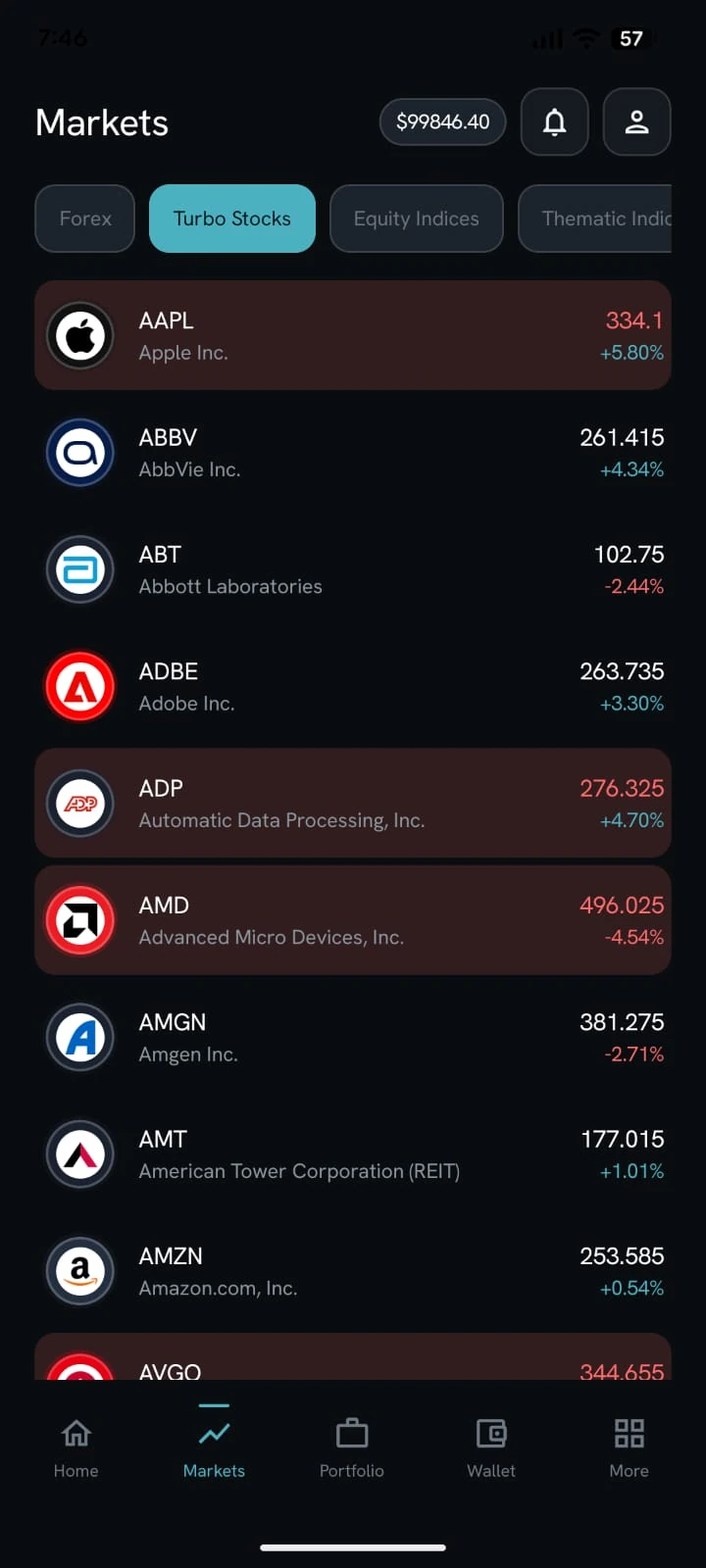
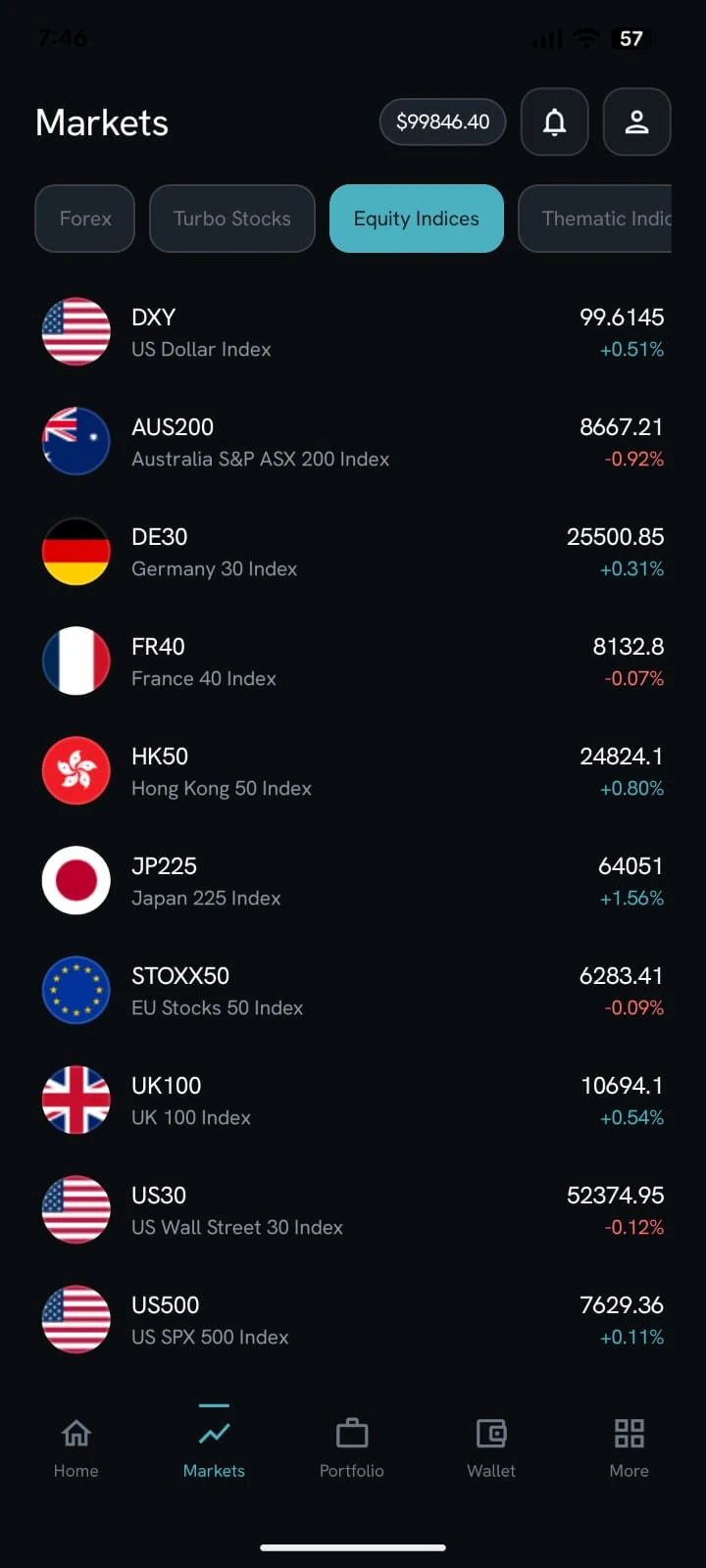
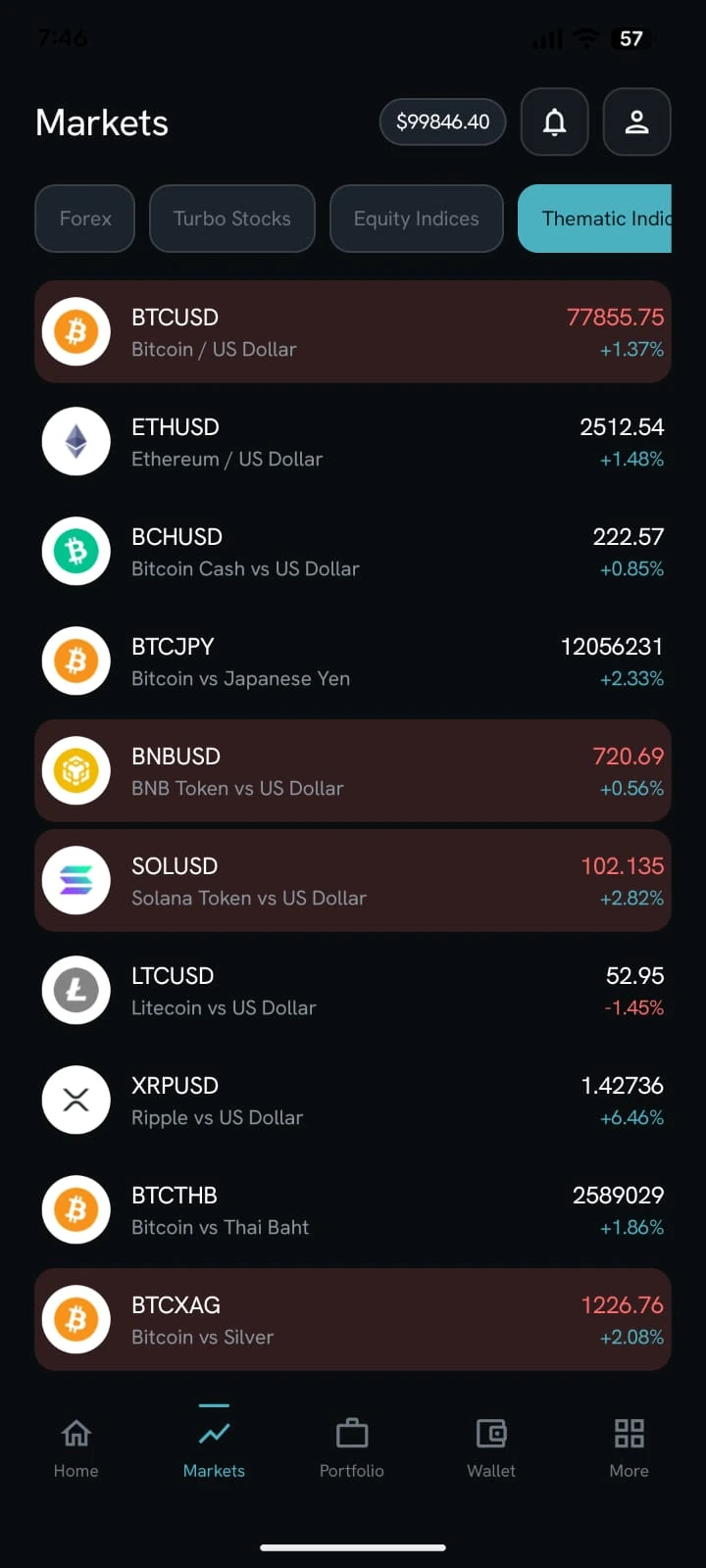
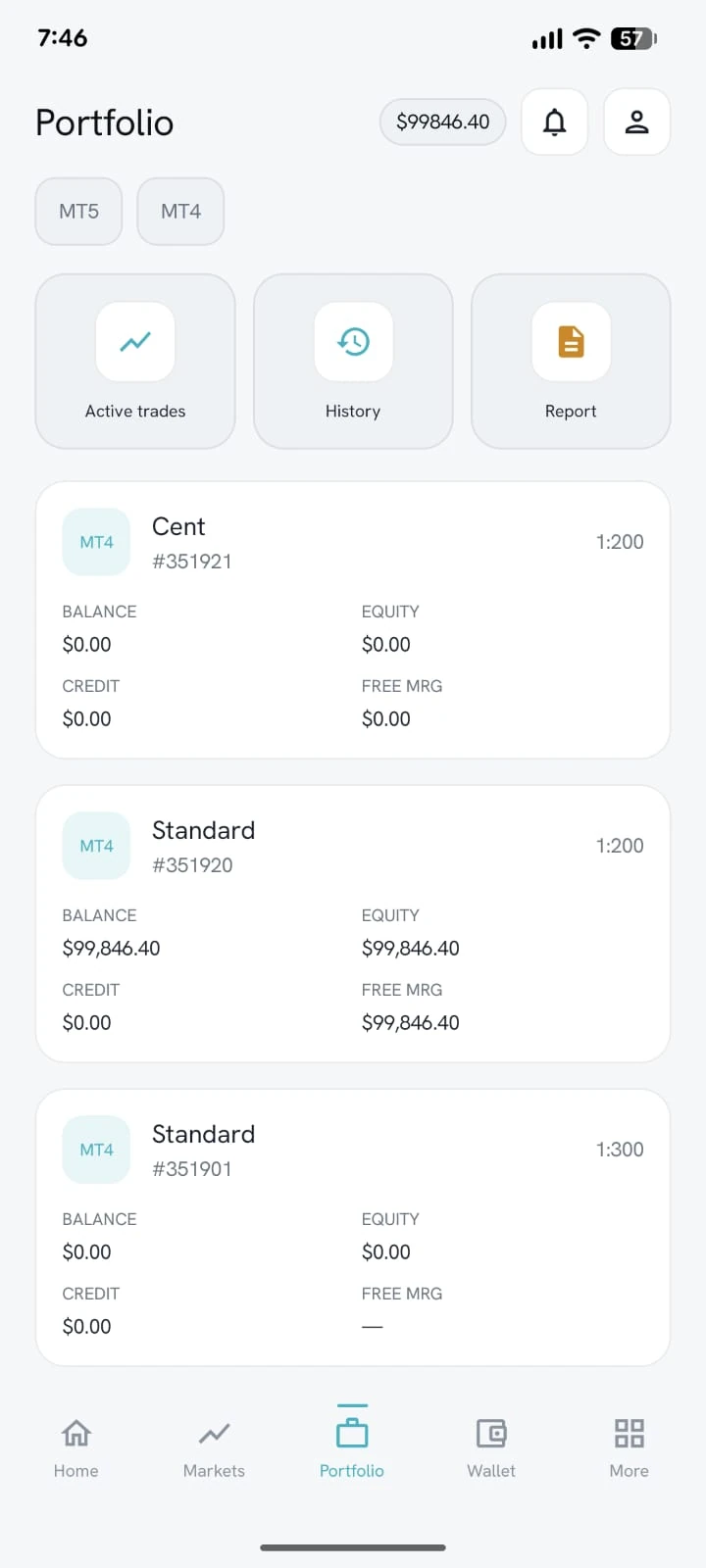
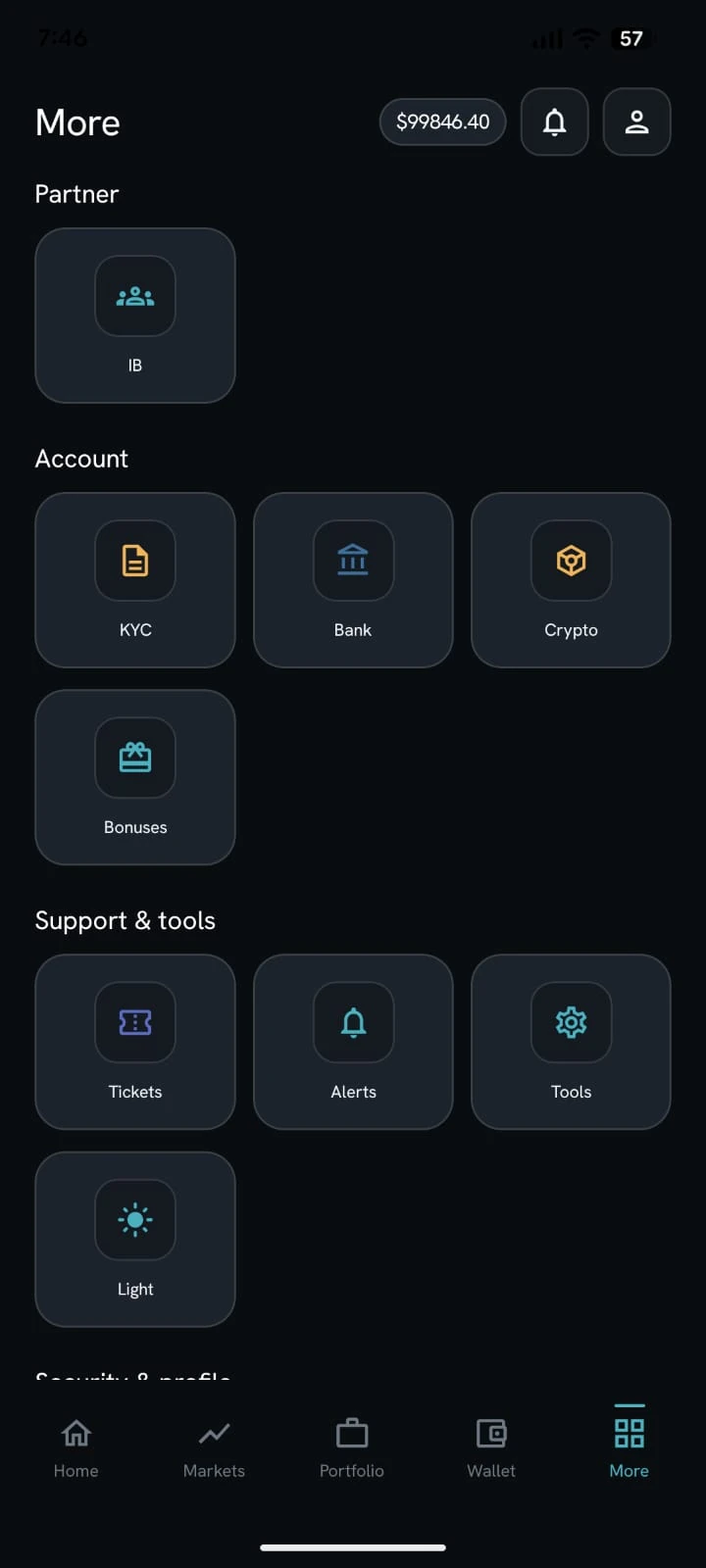
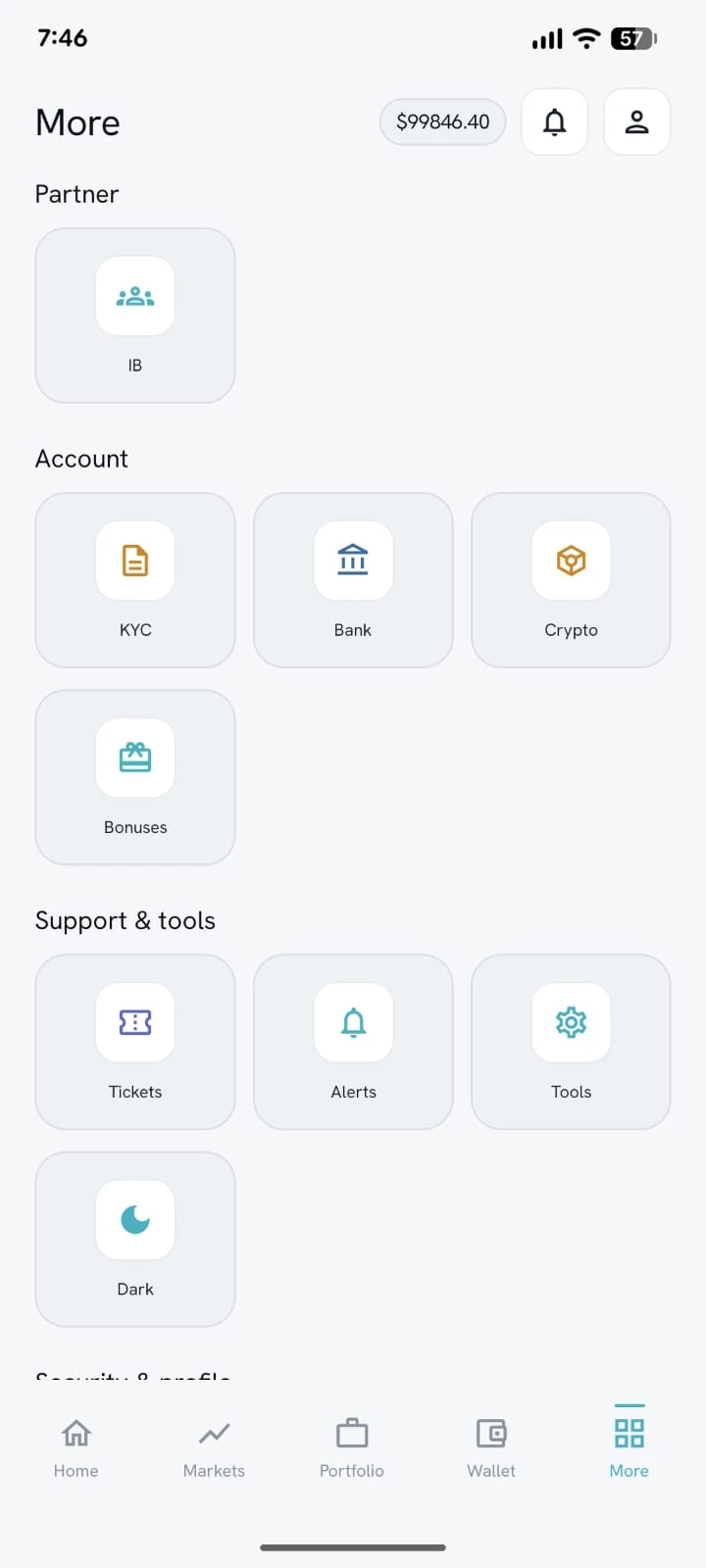
Splash, sign-in, home, markets, portfolio, and the More menu — the same wallet, MT4/MT5 accounts, KYC, tickets, and IB entry as the web Trader’s Room, with your brand on the glass.
Dashboard
Wallet balance and available funds, aggregated trading balance and open P/L, live and demo account cards, market watch, news, and quick actions.
Wallet
Deposit with card or crypto methods you configure, optional screenshot proof and email OTP, withdrawals to bank or crypto, internal transfers, bonuses, and a full ledger.
Trading accounts
Create MT4 and MT5 accounts — live or demo — with broker-configured types and leverages. Change trading and investor passwords. Archive with OTP; the broker can restore or purge.
Trades and reports
Open trades, close where the platform allows it, trading history, and statement reports. Withdrawable amount follows free margin minus credit.
KYC in the nav
Selfie, proof of ID, and proof of residence with pending, approved, or rejected status visible in the cabinet.
Support
Ticket list, conversation thread, categories, attachments, and favorites — files stay in the ticket, not in email ping-pong.
IB apply + partner home
Clients can apply to become an introducing broker, then see referral link, lots, commission, tiers, and an IB wallet.
Tools and theme
MT5 Windows / Android / iOS download pages, TradingView tools, and a light/dark cabinet on the web plus a white-label mobile app.
Notifications
In-app notifications for KYC, account creation, deposits, and withdrawals — read one or read all from the cabinet.
White-label mobile app
The same cabinet on the phone: splash with your brand, biometric sign-in, home with MT4 balances and cash actions, markets, portfolio, news, and a More menu for IB, KYC, tickets, and tools.
Put the brokerage on one desk.
We’ll map Brokerium onto your MT4/MT5 servers and your brand — not the other way around.